

Shortcuts
Customize keyboard shortcuts for RocketSim's captures, app actions, design comparison, and side window. Speed up your Simulator testing workflow.
You can view and customize all shortcuts in Settings → Shortcuts:
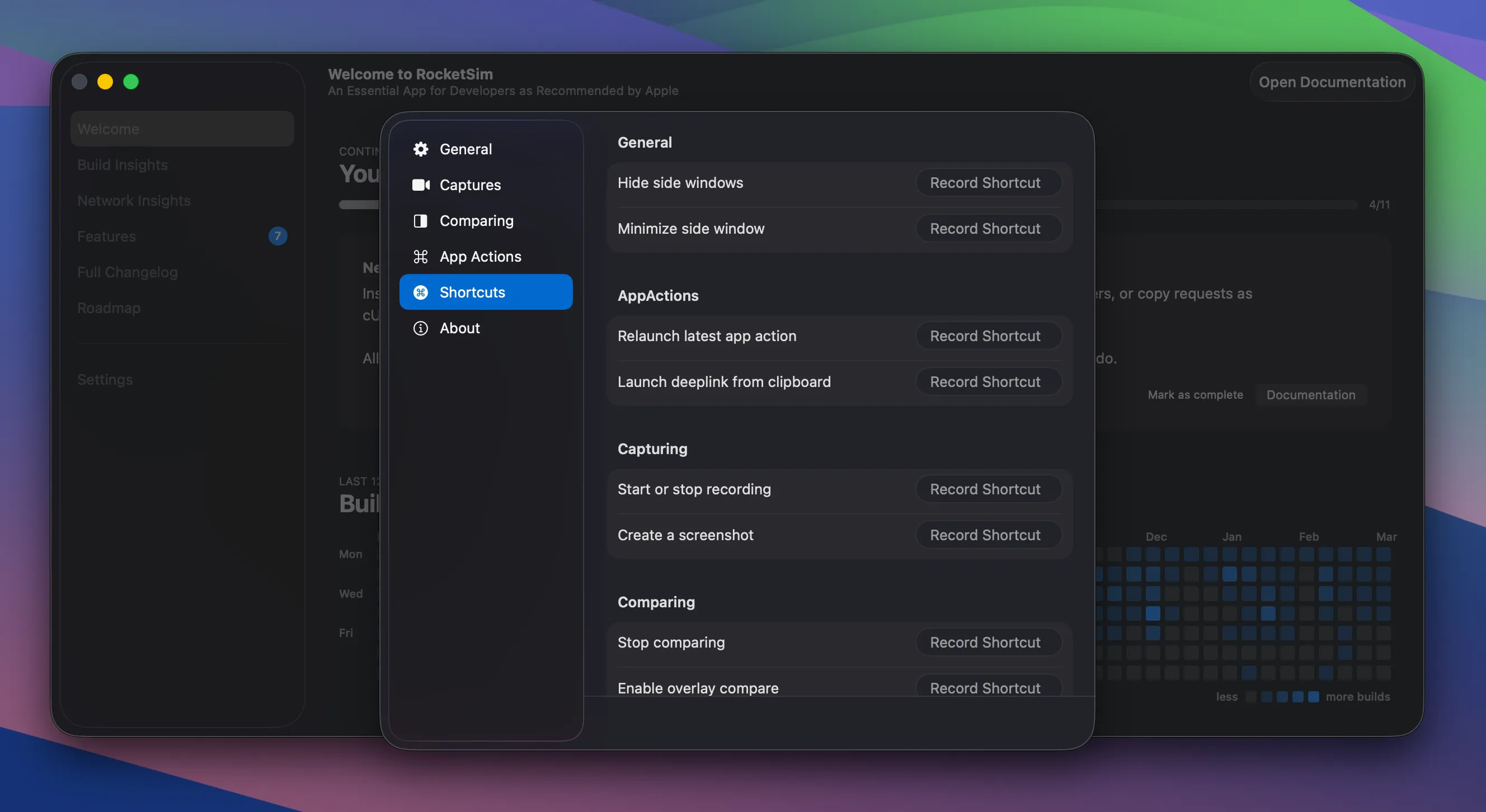
RocketSim provides shortcuts in four groups:
General — Toggle the side window and control visibility.
App Actions — Quick access to app-related actions (e.g. relaunch, terminate).
Capturing — Take a screenshot, start or stop a recording, and related capture actions.
Comparing — Toggle design comparison and related comparison actions.
The exact key bindings and full list of 10 shortcuts are shown in Settings → Shortcuts; you can change them there to match your workflow.
If you’re missing a shortcut, feel free to open a feature request. Shortcuts are relatively easy for me to add.