

User Defaults Editor
View, edit, and monitor User Defaults in real time from RocketSim's side window. Change values on the fly, add new entries, and debug persistent state.
RocketSim’s User Defaults Editor lets you view and edit User Defaults in real time. Monitor whether a value updates after a specific action, change values on the fly, or add entirely new entries — all without writing code.
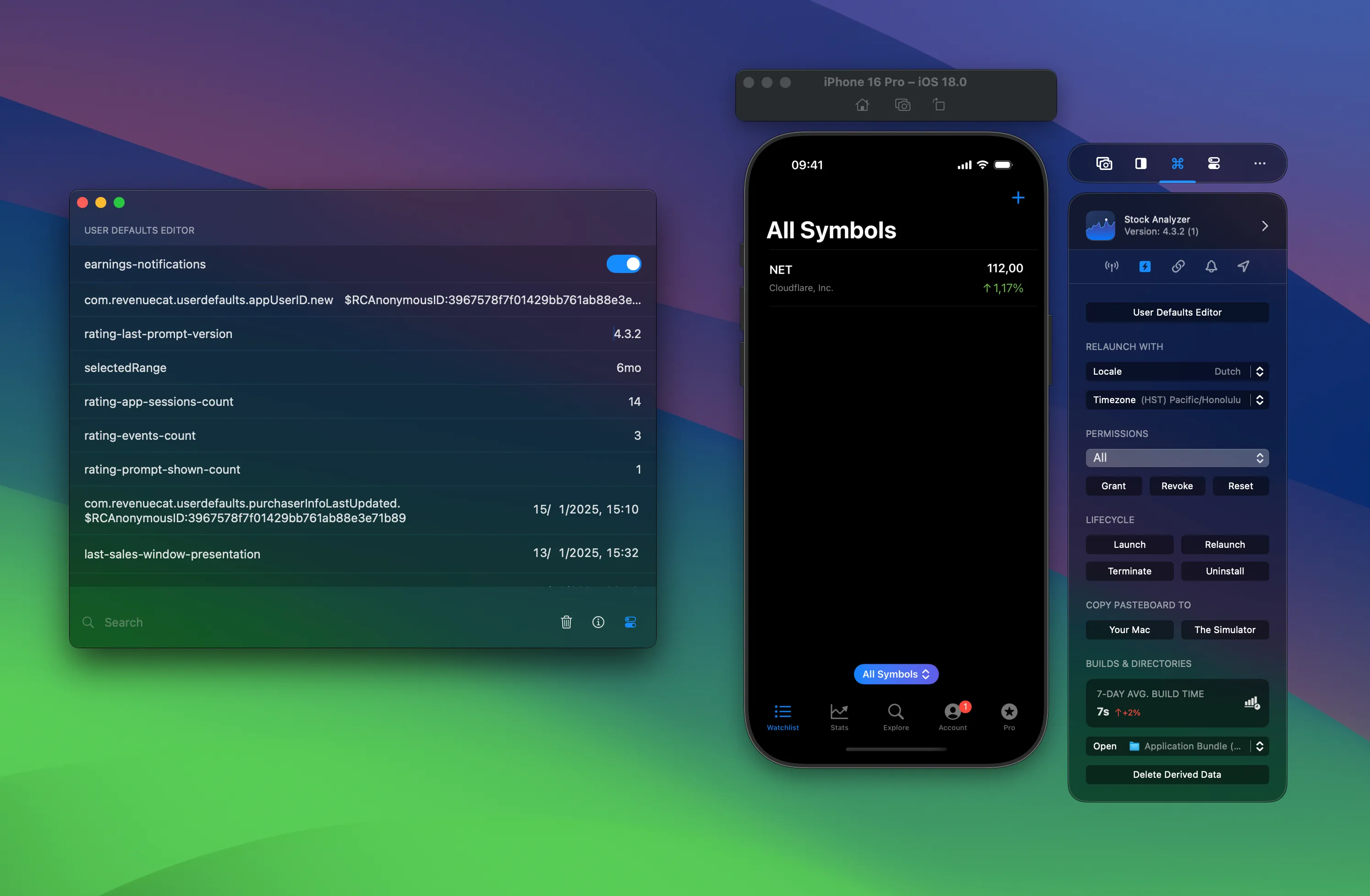
Editing values
Section titled “Editing values”You can edit any User Defaults value directly. Changes apply immediately, so you can see the effect in your running app. No rebuild required.
Adding new items
Section titled “Adding new items”Add new entries of any type: strings, numbers, booleans, arrays, and dictionaries. This is useful for testing features that depend on specific User Defaults values. You can simulate states that would normally require code changes or plist edits.
Search and filter
Section titled “Search and filter”Filter the list by value type or search for specific keys. Helpful when your app has dozens of stored preferences. You’ll find what you need without scrolling through everything.
Standard and Group defaults
Section titled “Standard and Group defaults”Switch between your app’s standard User Defaults and App Group User Defaults. If you access a User Defaults plist from the App Directory Access page, it opens directly in the editor.
For more on User Defaults in Swift, see the User Defaults reading and writing article.