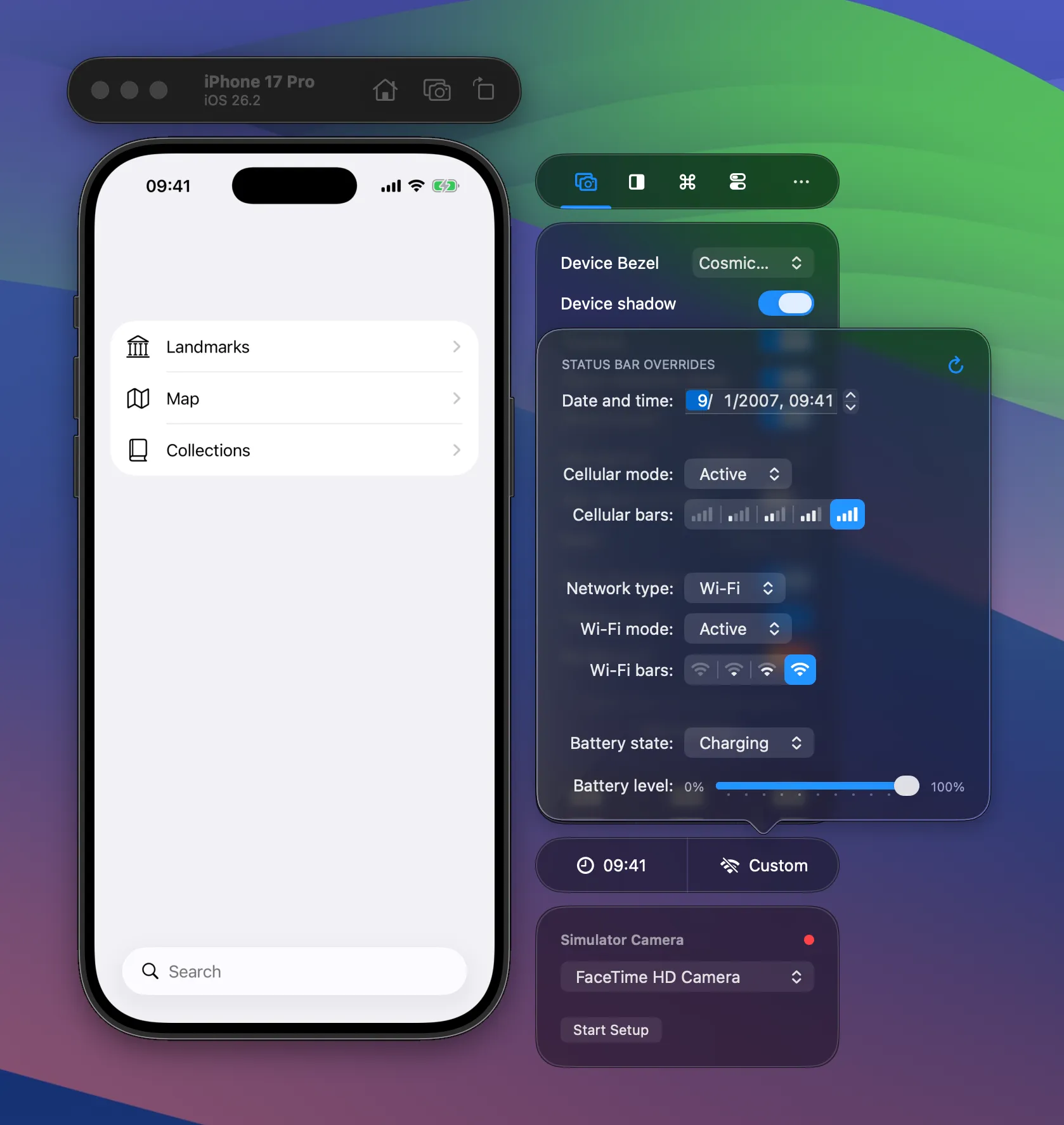
Status Bar Appearance
Customize the iOS Simulator status bar for professional screenshots — set the time to 9:41, choose carrier text, and configure battery and signal indicators.
RocketSim allows you to customize the status bar of the iOS Simulator.
You might or might not have noticed, but all of Apple’s devices have the status bar time set to 09:41. Here’s an image from the iPhone product page as an example:
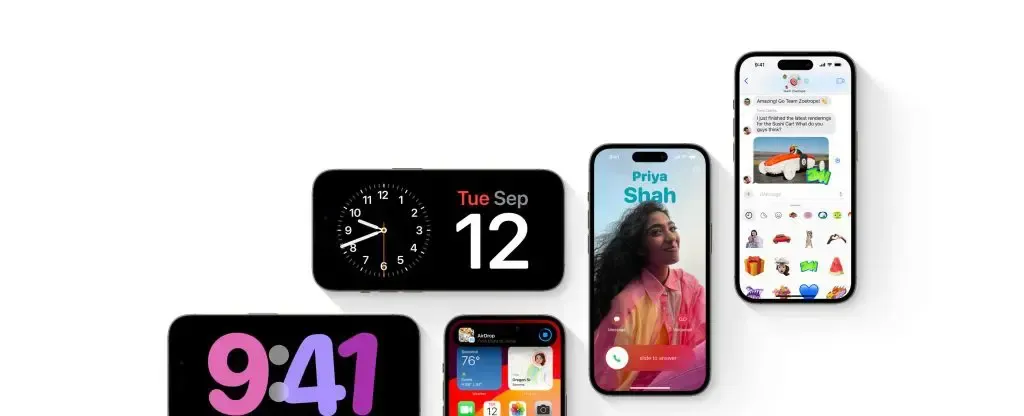
That time used to be 9:42, matching the time of January 9th, 2007 when Steve Jobs announced the first first iPhone. Around 42 minutes into his keynote he mentioned:
“Today, Apple is going to reinvent the phone.”
Quite the historic sentence for us developers!
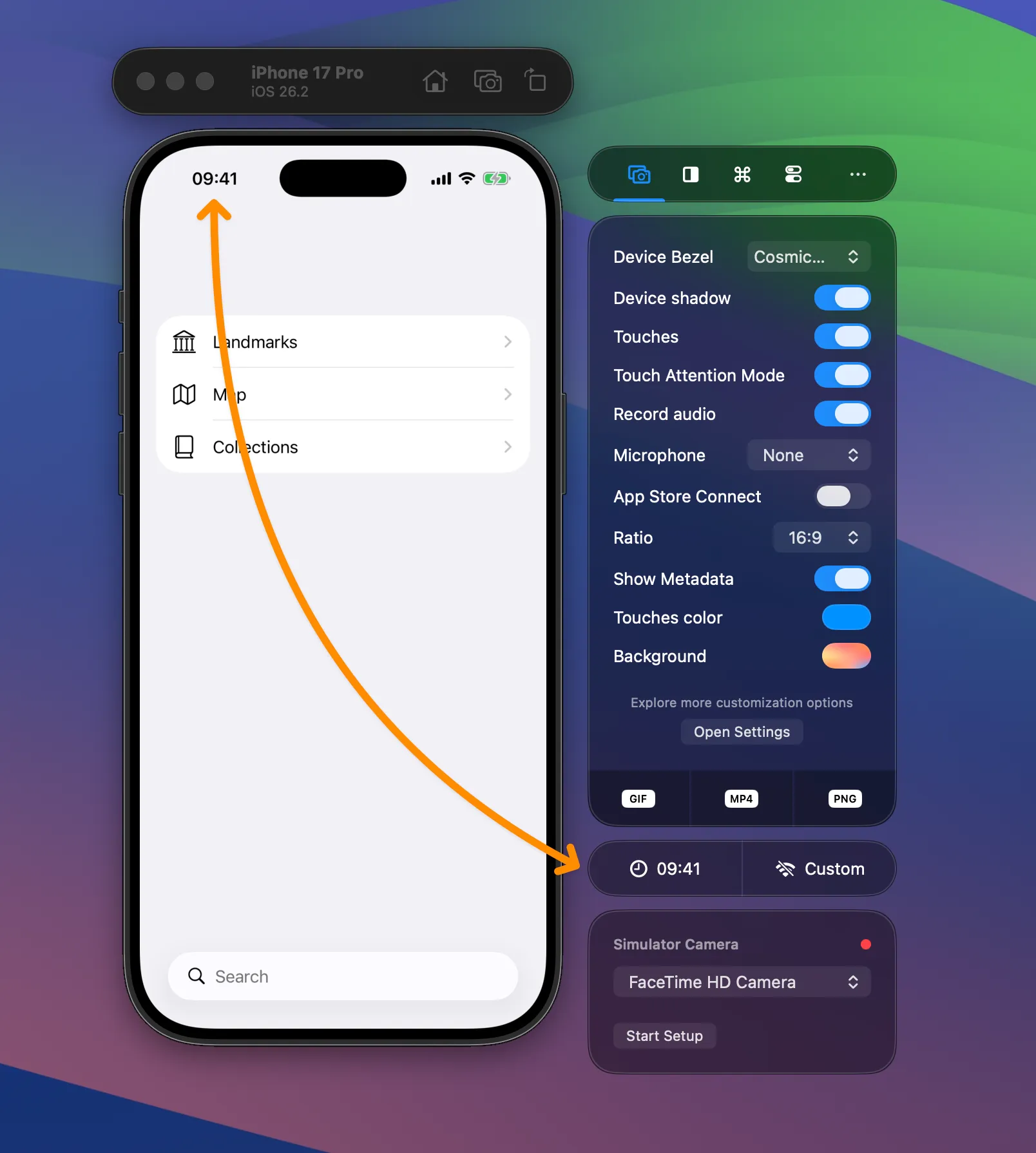
With RocketSim, you can apply the same appearance using the 09:41 button:
Configuring a custom status bar appearance
Section titled “Configuring a custom status bar appearance”In some cases, you want to go more extreme. You can use the Custom status bar configuration sheet to create a status bar that matches your preference.
For example, a low battery level and 3G network connection: