

Magnifier
Zoom into specific areas of the iOS Simulator with a pixel-level magnifier. Inspect UI details, verify alignment, and check colors at the pixel level.
The magnifier lets you zoom in pixel-level and thoroughly validate your UI implementation.
Enabling the magnifier
Section titled “Enabling the magnifier”- Open the Simulator
- Select the Magnifier tab
- Hold
⇧ shiftand move the mouse to change the magnifier position - Use a two-finger drag to adjust the zoom level while moving the mouse up and down
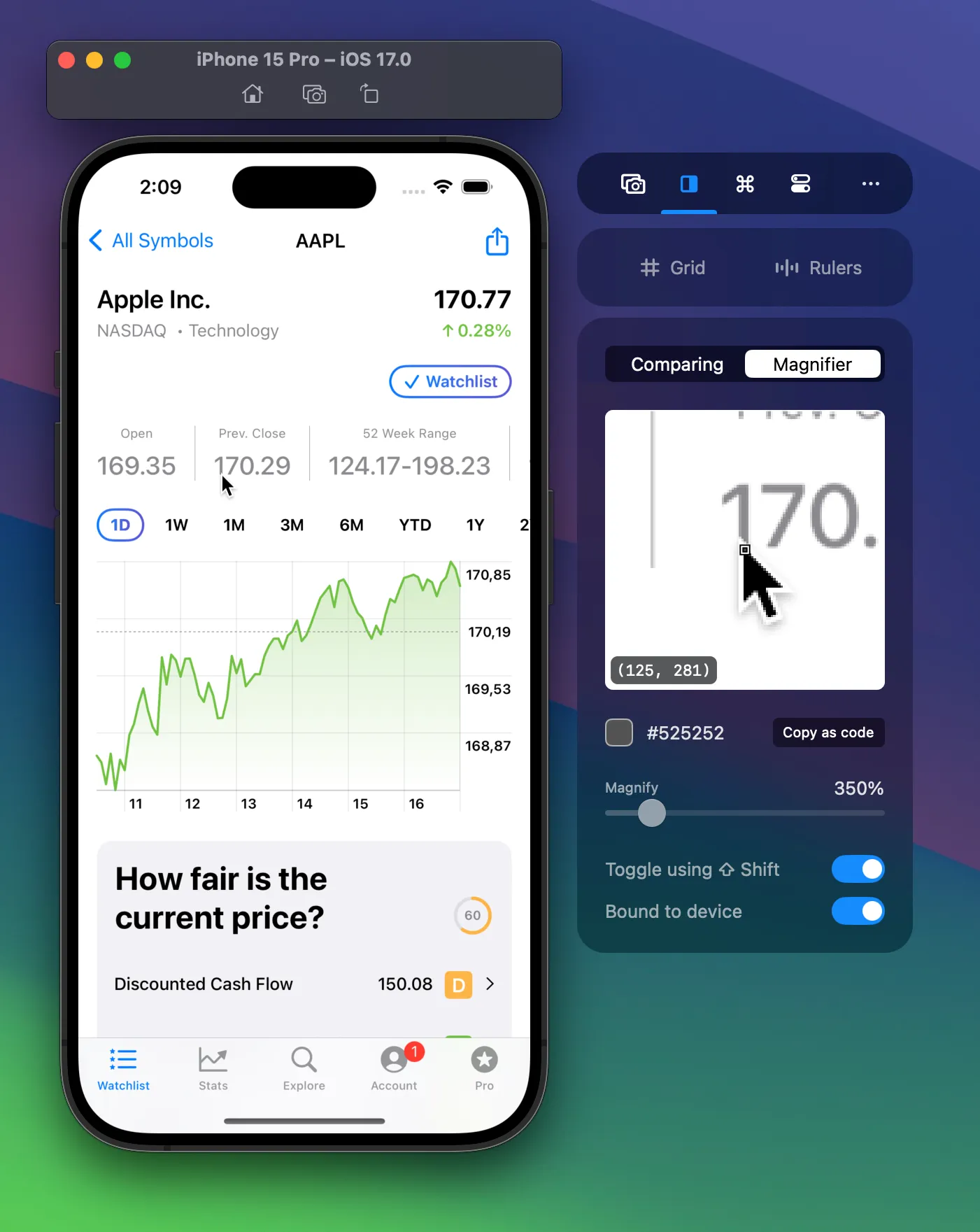
Copying the color code
Section titled “Copying the color code”Once hovering over a specific color, you can copy the color as code using the Copy as code button:
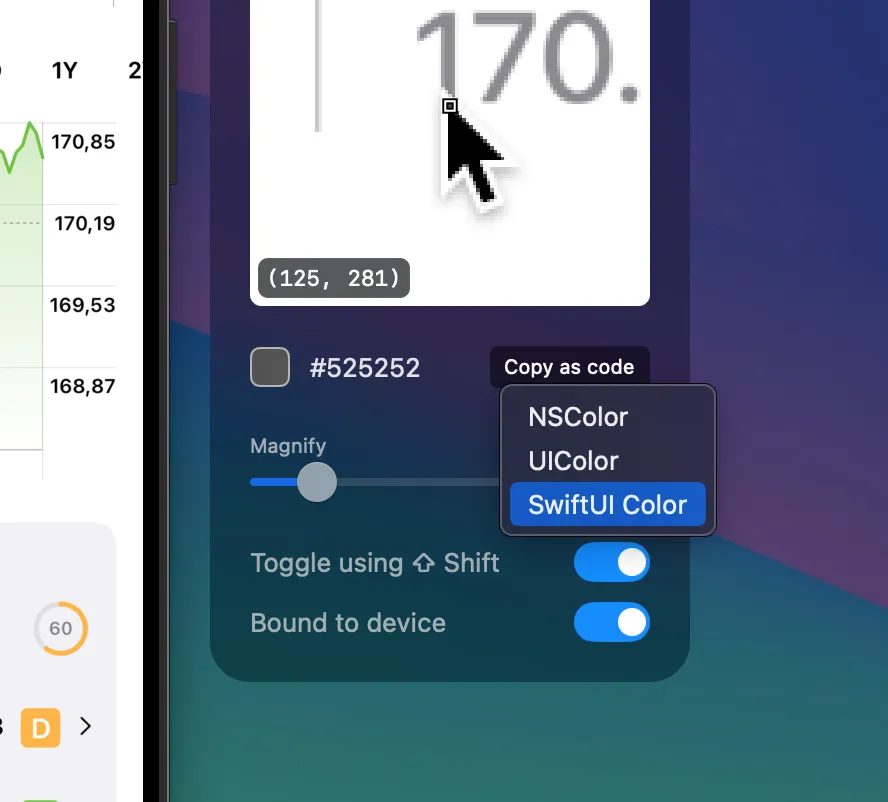
The above color resulted in the following code:
Color(red: 0.32, green: 0.32, blue: 0.32)UIColor(red: 0.32, green: 0.32, blue: 0.32, alpha: 1.0)NSColor(red: 0.32, green: 0.32, blue: 0.32, alpha: 1.0)Adjusting the Magnifier settings
Section titled “Adjusting the Magnifier settings”Toggle using Shift
Section titled “Toggle using Shift”Enable or disable the Shift-based toggling of the magnifier.
Bound to device
Section titled “Bound to device”If enabled, your mouse will be bound to the screen of the Simulator. You can disable this option to use the magnifier anywhere on your desktop, which can be great for picking a color from apps like Figma or Sketch and copying it directly as code.