

Quick Actions
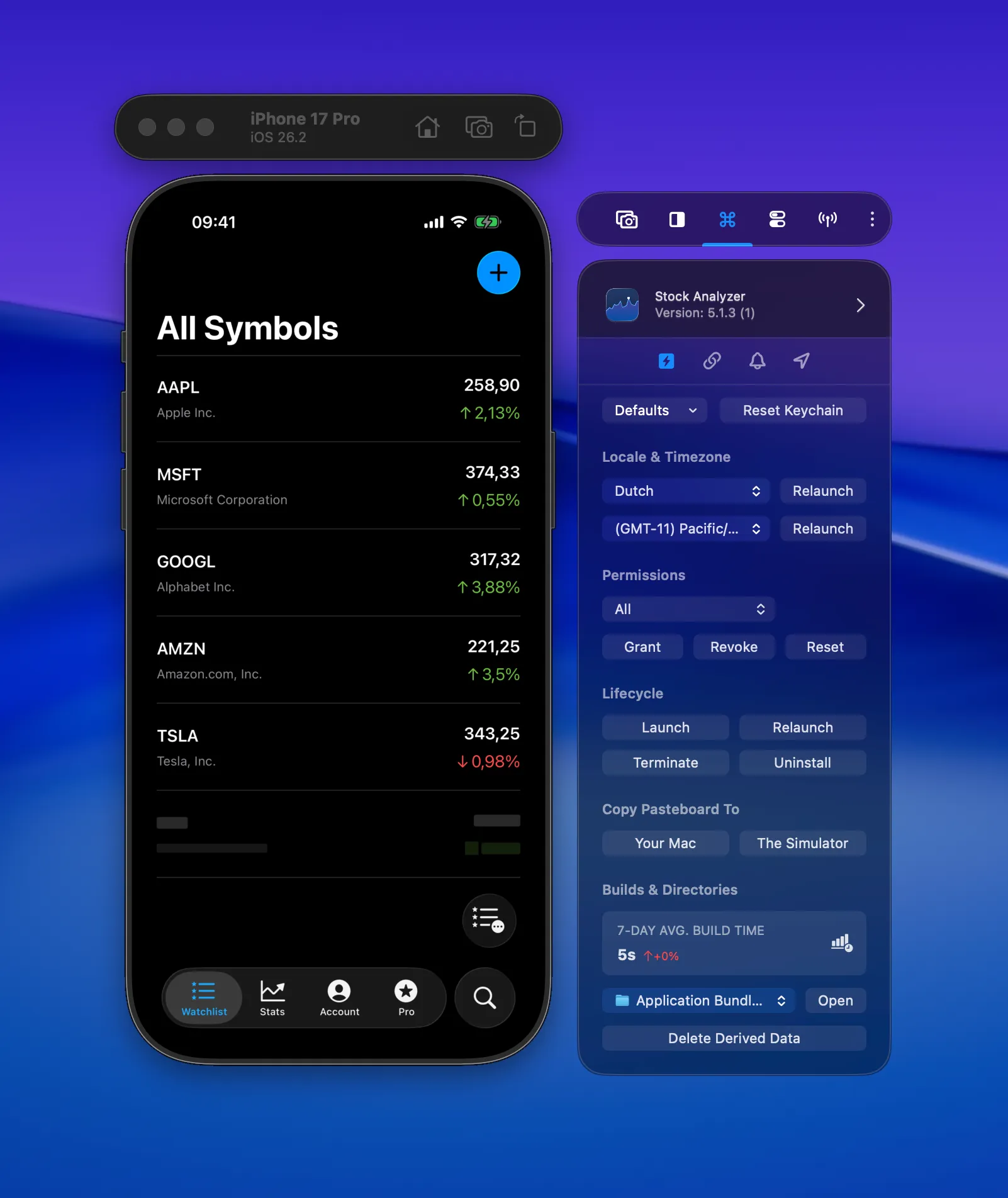
Relaunch your app with a different locale, manage app lifecycle, terminate, uninstall, and perform common testing actions with a single click from RocketSim.
Quick Actions speed up your testing workflow by giving you one-click access to common operations. Instead of navigating through Xcode or Simulator menus, you can perform everything from RocketSim’s side window.
Relaunch with Locale (Pro)
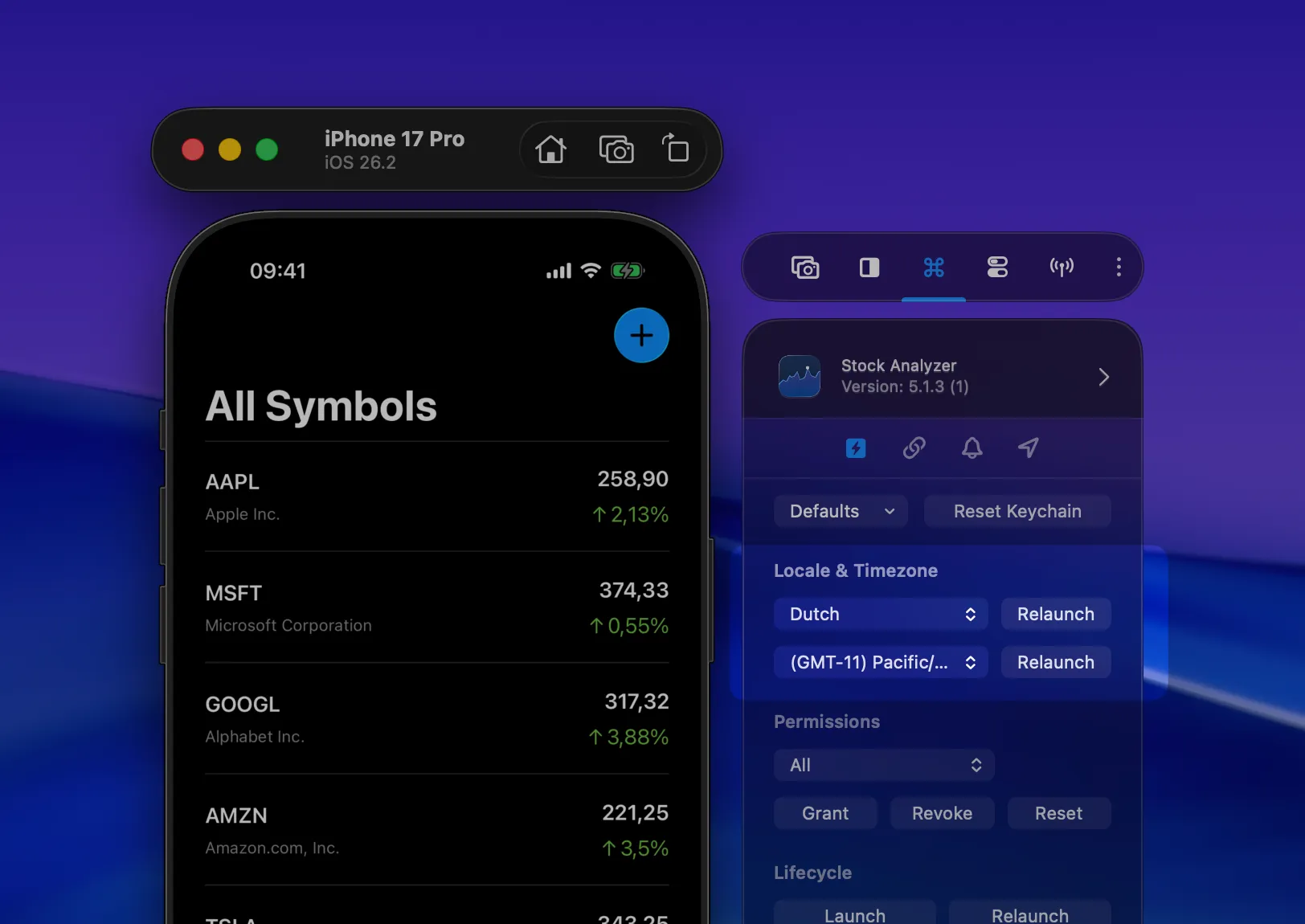
Section titled “Relaunch with Locale (Pro)”Test your app in any supported locale without restarting the Simulator. Pick a locale from the dropdown and your app relaunches immediately in that language. Great for quickly verifying localization.
For a deeper dive into localization testing, see Localization testing in Xcode.
Relaunch with Time Zone (Pro)
Section titled “Relaunch with Time Zone (Pro)”Similar to locale — pick a timezone and your app relaunches with that timezone active. Useful for testing time-dependent features like scheduling or date formatting.
Lifecycle Actions
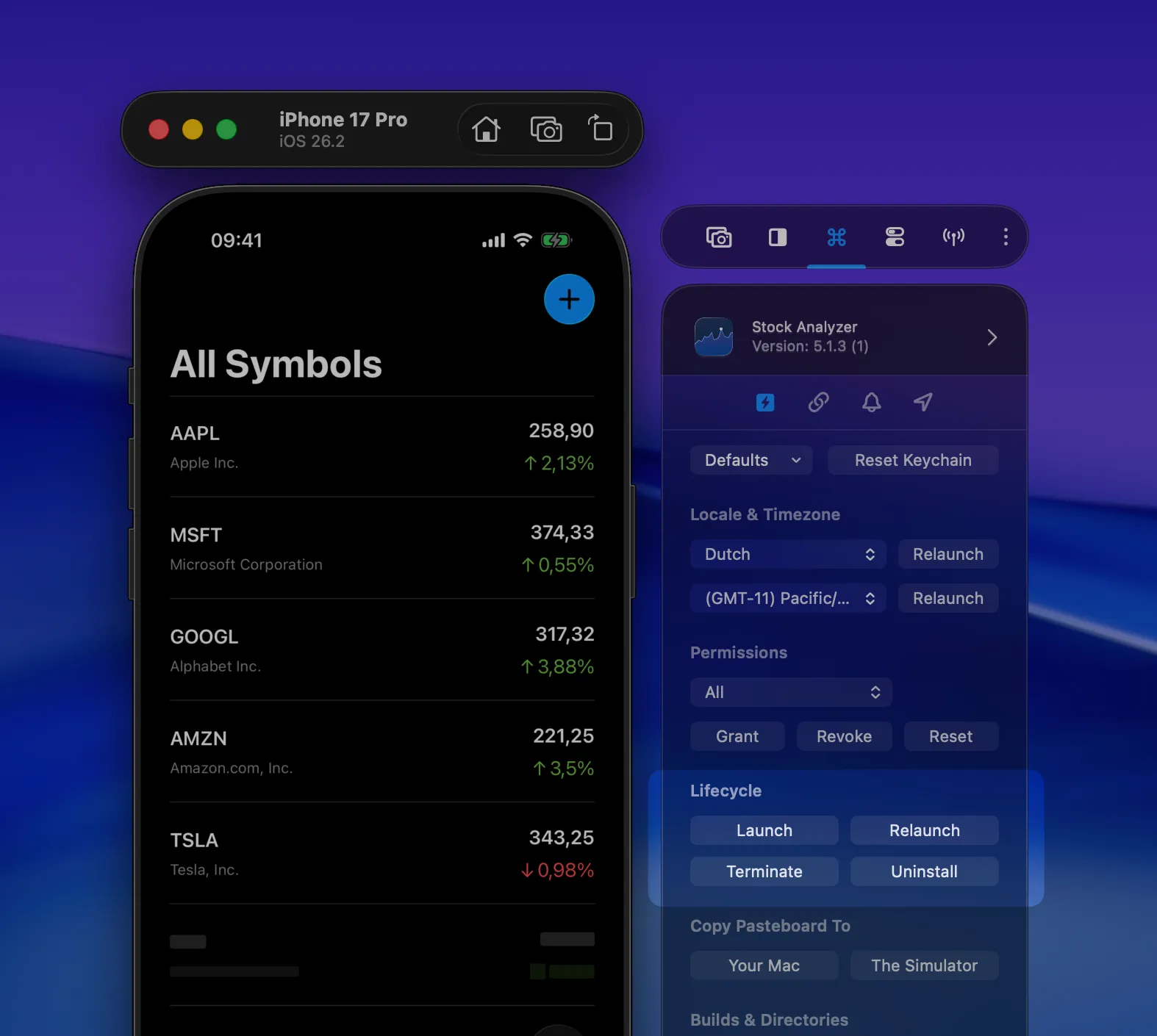
Section titled “Lifecycle Actions”Launch, Relaunch, Terminate, and Uninstall your app. These speak for themselves. No need to switch to the Simulator or Xcode to manage your app’s state.
Copy Pasteboard
Section titled “Copy Pasteboard”Transfer clipboard content between your Mac and the Simulator. Useful when you need to paste test data into your app without manually typing it.
Reset Keychain
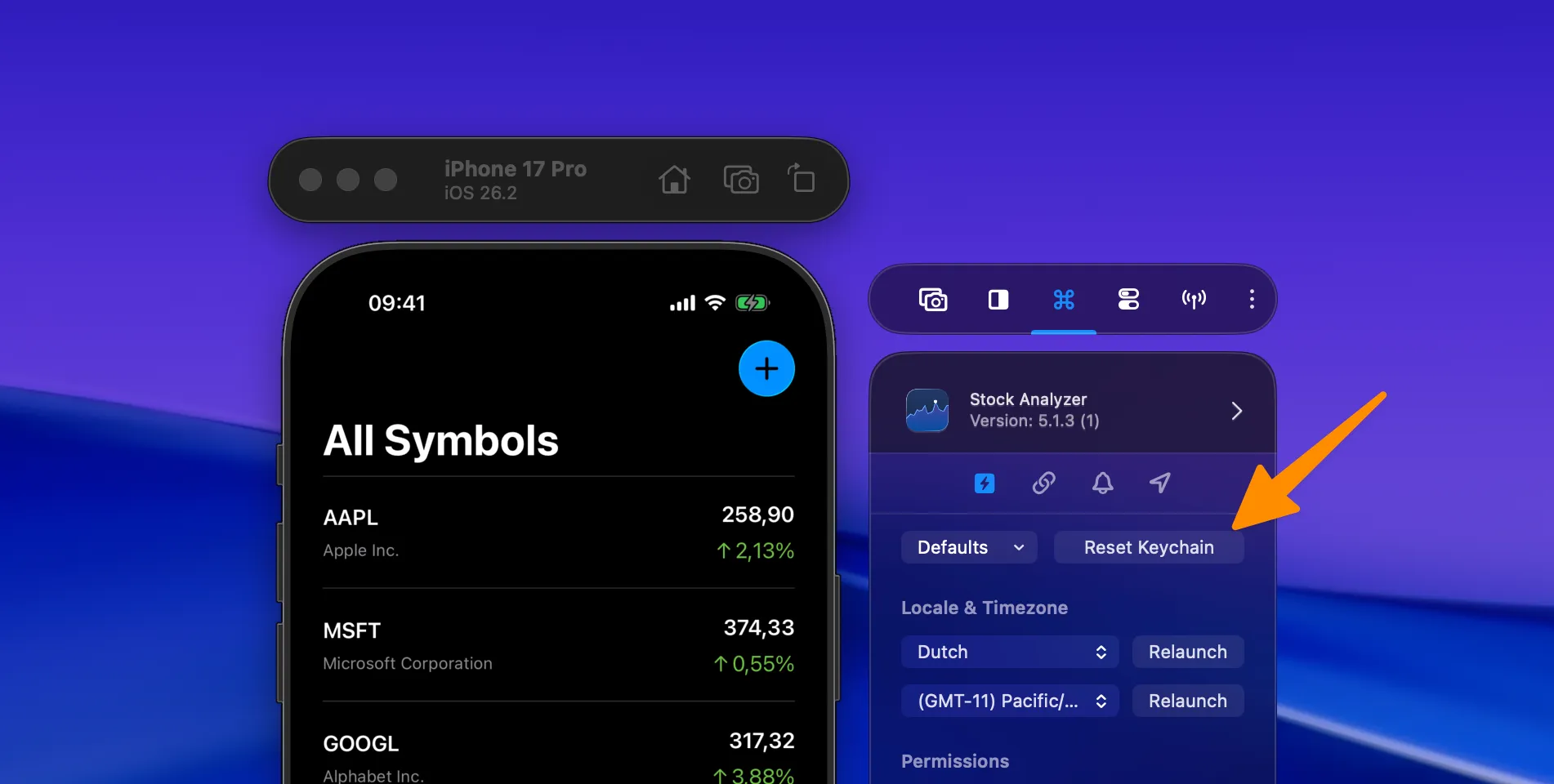
Section titled “Reset Keychain”RocketSim 15 adds a Reset Keychain quick action directly to the Recent Builds side window. Use it when your app gets stuck because of old credentials, stale login state, or test accounts that left the Simulator keychain in a bad state.
This resets the Simulator device keychain, so it’s especially useful when you’re testing authentication flows and want a faster alternative to manually wiping state.
Delete Derived Data
Section titled “Delete Derived Data”Deletes derived data only for the selected app. This avoids rebuilding every project you have open in Xcode when you just need a clean build for one target.