The RocketSim Blog
Tips, guides, and deep dives for iOS developers who want to move faster.
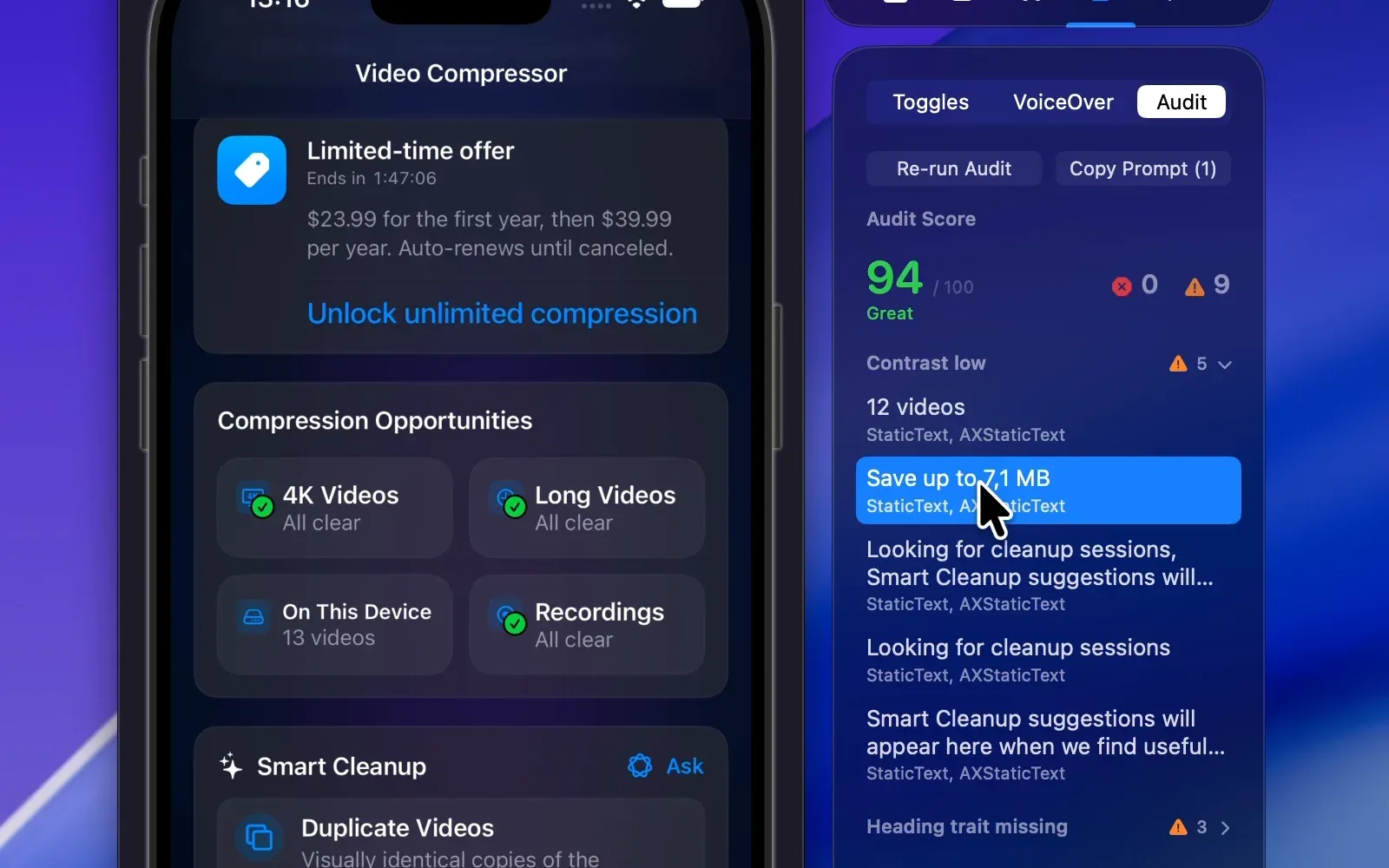
Accessibility Audit on the iOS Simulator
Run an accessibility audit on the iOS Simulator: get a score, copy a fix prompt for your AI agent, or automate audits and validation with the rocketsim CLI.
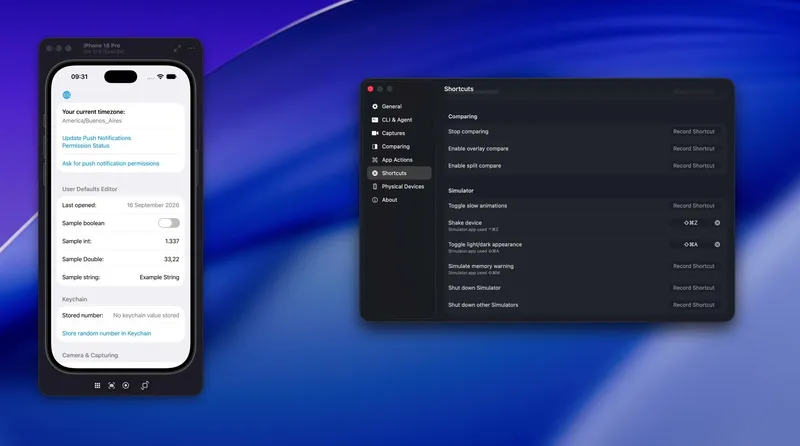
Device Hub: Restore Missing Simulator Features
Restore missing Xcode Device Hub Simulator features like Shake, Slow Animations, shortcuts, appearance switching, and drag-and-drop imports.
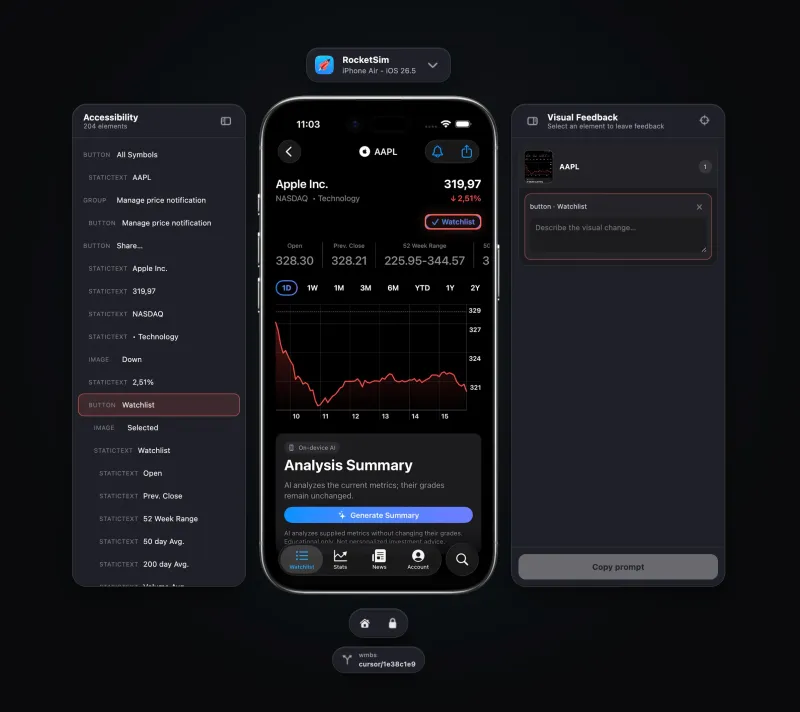
iOS Simulator Browser Preview
Follow your AI agent in a live iOS Simulator browser preview, inspect your app, and turn visual feedback into precise implementation context.
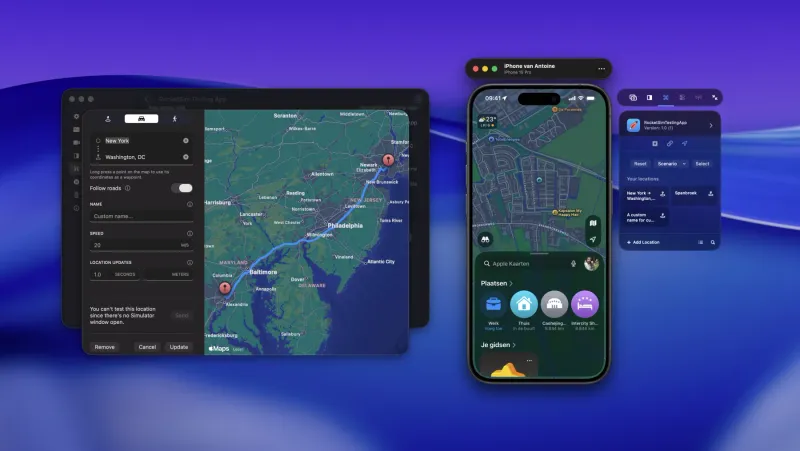
RocketSim 16: Physical Devices and AI Agents
RocketSim 16 expands iOS testing with physical device App Actions, AI agent workflows, Xcode 27 Device Hub support, and better recordings.
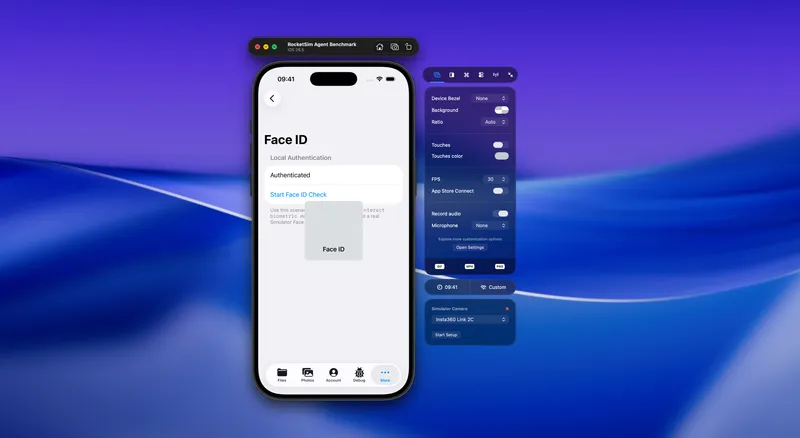
How We Test AI Agents for the iOS Simulator
See how RocketSim benchmarks its CLI and Agent Skill with repeatable iOS Simulator scenarios to improve reliability, speed, and context efficiency.
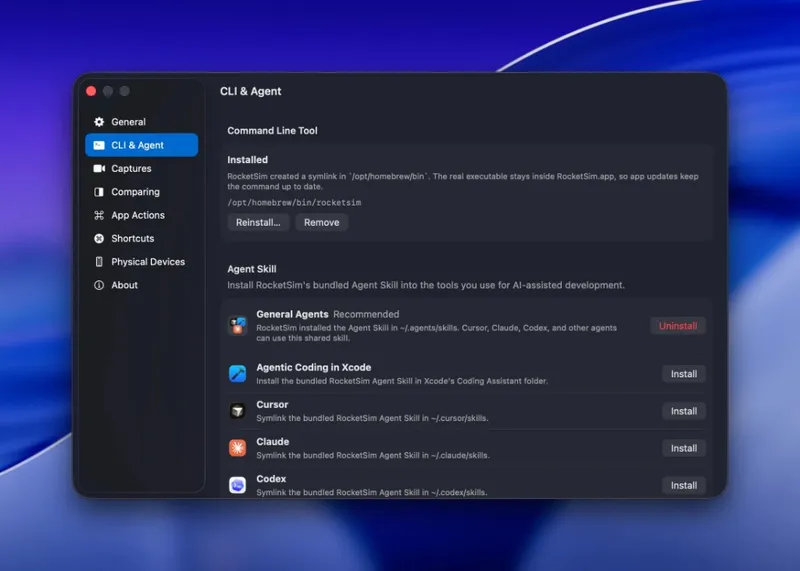
AI Agents for the iOS Simulator
Let AI agents inspect, navigate, and verify iOS Simulator apps with RocketSim's CLI, Agent Skill, screenshots, and semantic interactions.
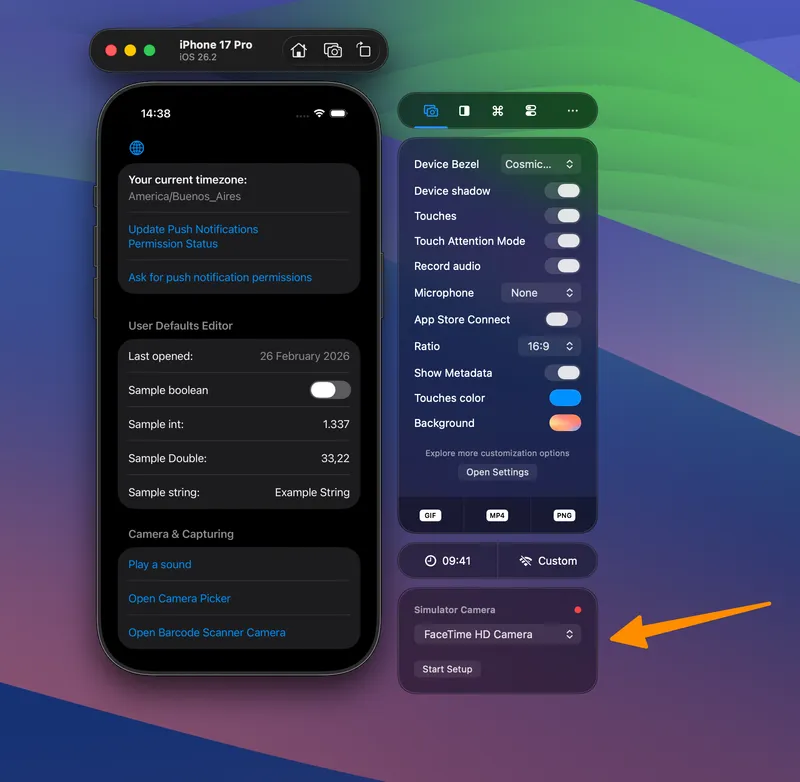
iOS Simulator Camera: Test Camera Flows
Use the iOS Simulator camera with RocketSim to test QR scanners, photo pickers, and video flows without repeatedly deploying to a device.
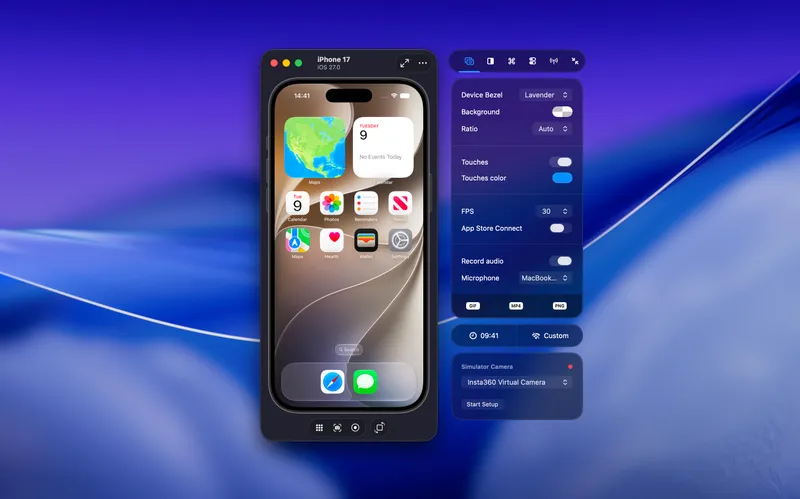
Xcode Device Hub and the Future of RocketSim
Xcode Device Hub replaces the Simulator window in Xcode 27. Here is how to fix it when it won't launch, and why RocketSim is here to stay.
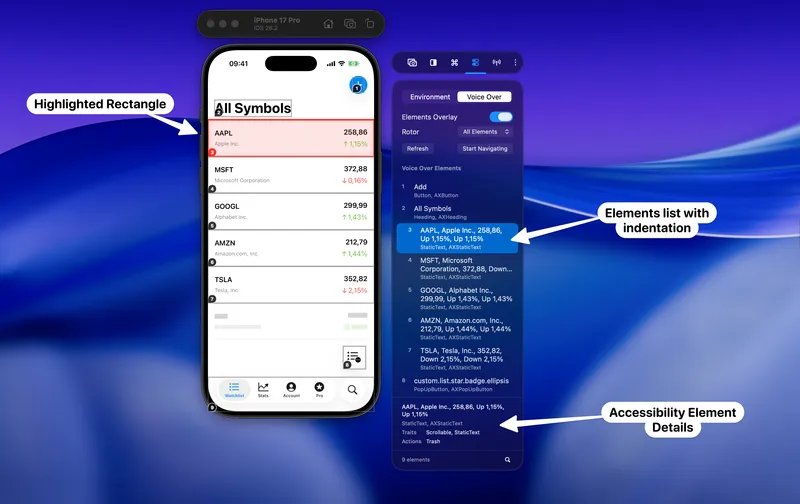
How to Test VoiceOver on the Xcode Simulator
Test VoiceOver on the Xcode Simulator without a physical device. Use a numbered overlay, keyboard shortcuts, and the rotor to verify iOS accessibility fast.
RocketSim 15: VoiceOver testing in the Simulator and better Xcode Simulator recordings
RocketSim 15 adds VoiceOver Navigator, Elements Overlay, Tinted Liquid Glass testing, a new post editor for Xcode Simulator recordings, networking improvements, and the first RocketSim CLI beta.
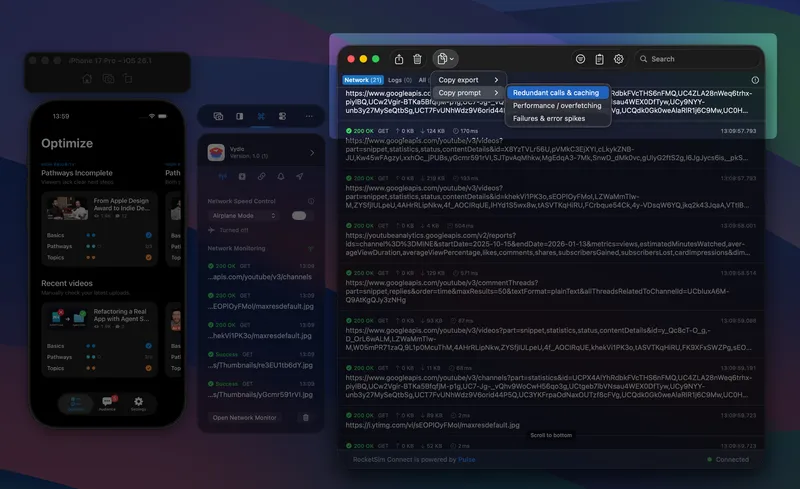
Introducing AI prompts and recording metadata
RocketSim 14.5 introduces AI prompts generated from the Network Monitor and recording metadata overlays for your captures, plus faster, more reliable build monitoring.
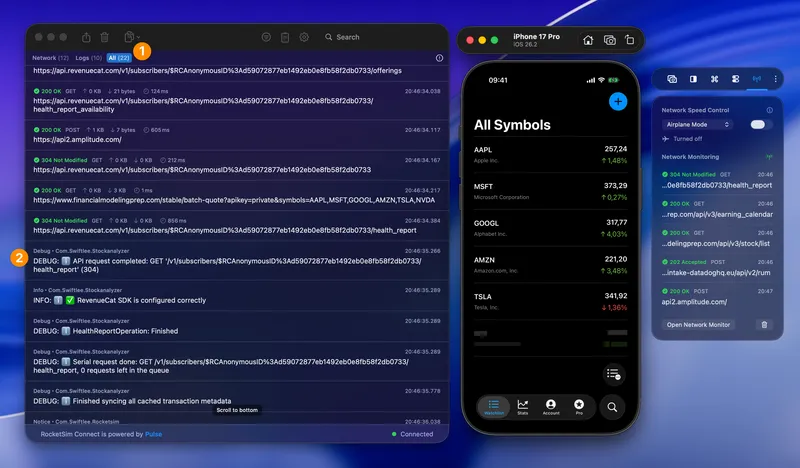
Monitor URLSession Network Requests without the pain of custom certificates
Monitor URLSession network requests without installing custom certificates or a proxy. Inspect responses, failures, duplicate calls, and AI-ready exports.
Ready to Build Apps Faster?
Boost your productivity and streamline your workflow with our powerful Xcode Simulator tools. Developers report building, testing, and verifying apps up to 2x faster with RocketSim.