Keep track of Xcode Build Durations
Connect your team using the same license key and gather team insights like p75 build duration, machine benchmarks, and more.
Trusted by developers at leading tech companies.
"RocketSim Team Insights finally gives us visibility into our build times beyond just gut feeling. We can actually measure the impact of adding SDKs or improving configurations, seeing results reflected in incremental and clean builds. It’s been invaluable for decisions like upgrading hardware—we can point to real data showing how different machines affect build times. The metrics are broken down beautifully, no extra setup or build phase hacks required—it just works quietly in the background. Honestly, it’s something we could never have justified building in-house, but it’s been a total game-changer."
With team licenses, your local builds will be synced. You'll find out which machine setup performs best for your Xcode project.
RocketSim for Teams automatically benchmarks your team's local build durations to tell you how much an Xcode version improves build times for your Xcode project.
Save up to 2 hours per month by upgrading older team MacBooks to an M4 Max.
Antoine is the only one building with Xcode 26.4, which can lead to different build results.
Xcode 26.5 is your fastest version so far. Consider upgrading your whole team.
Configure workspaces, select specific schemes, browse build durations and benchmarks. RocketSim's Team Manager puts you in full control of your team's productivity.
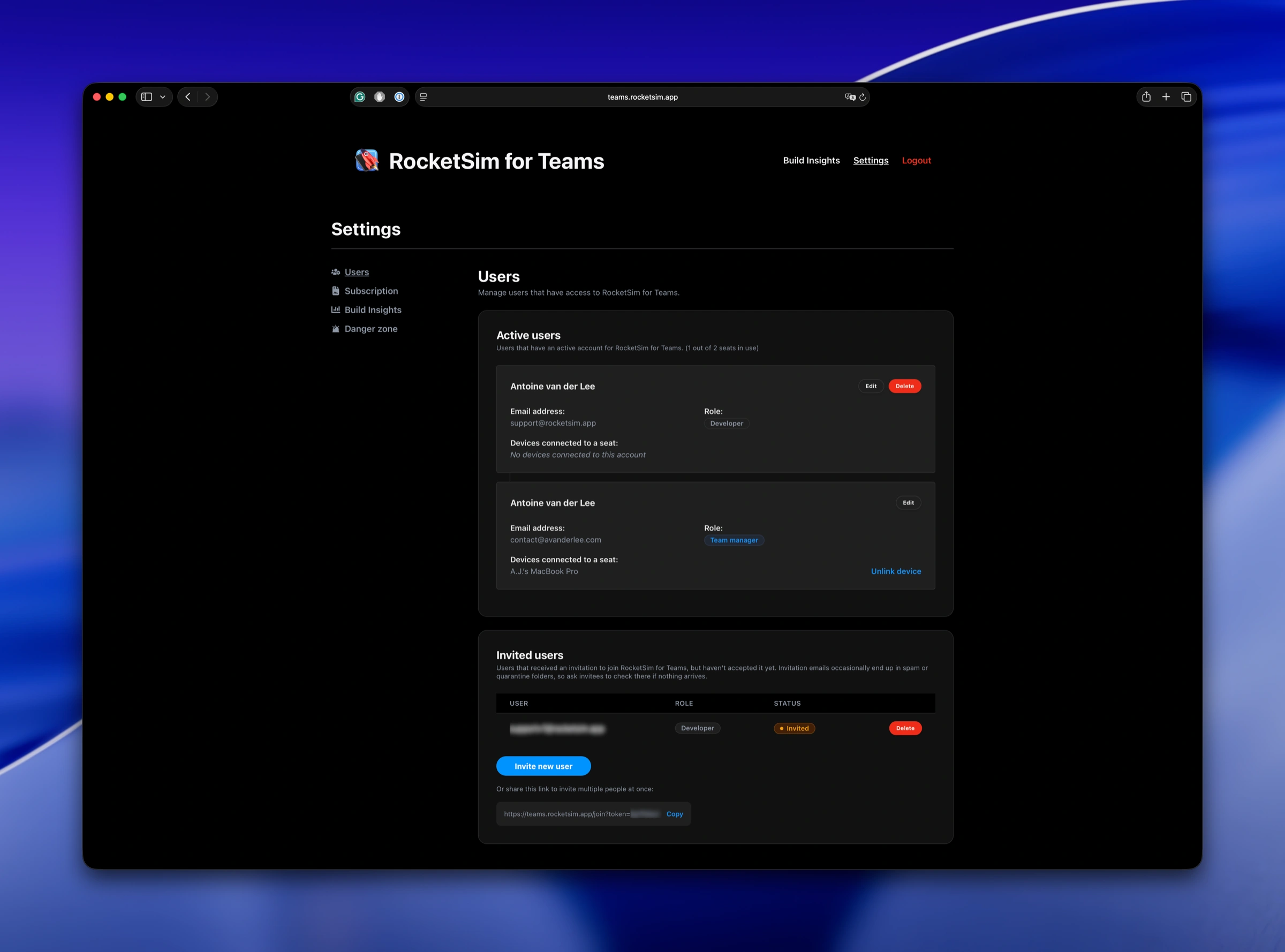
Manage your team and their access to RocketSim. Invite users, assign roles, and manage seats.
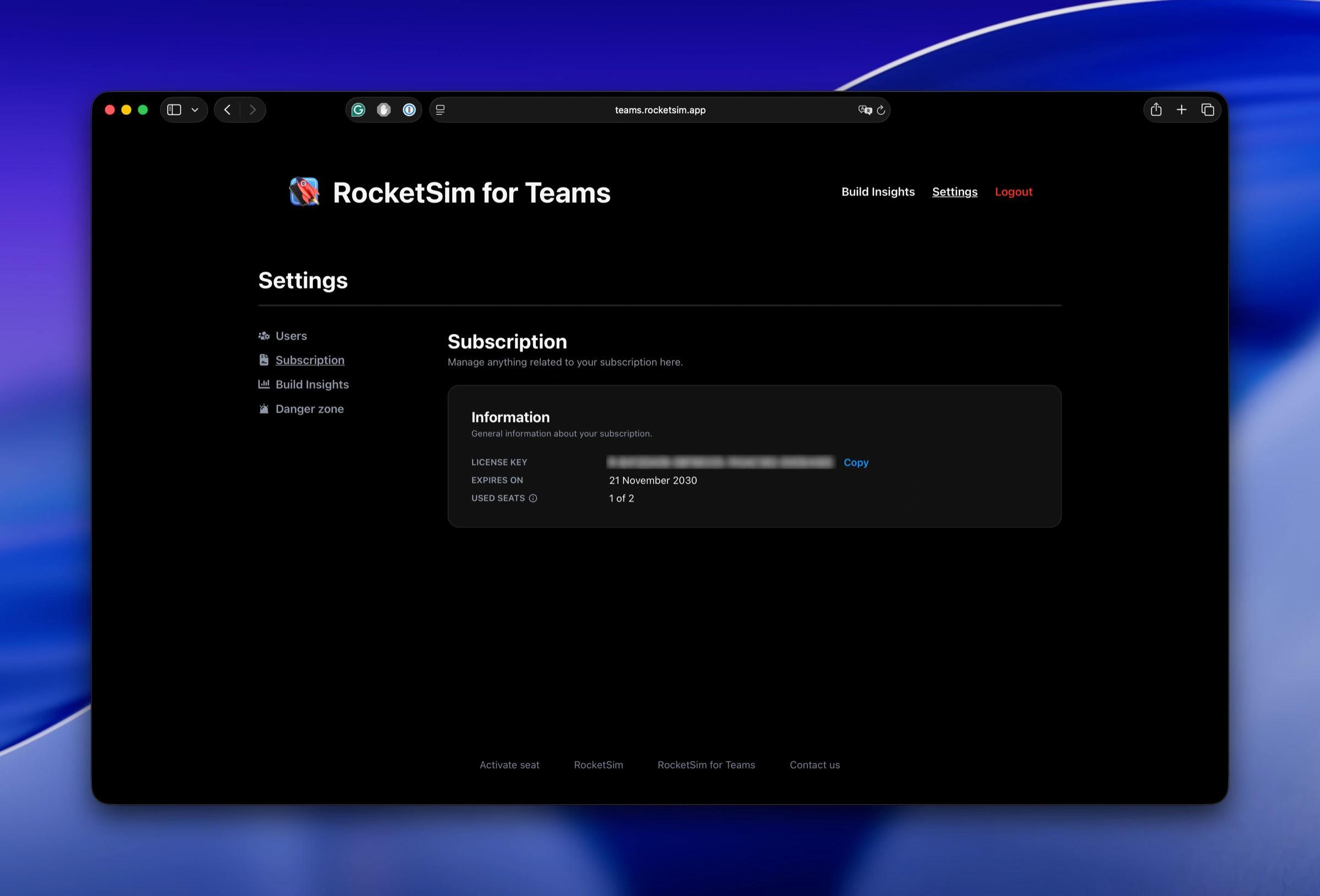
Find your license key, expiry date, and the number of (used) seats. Manage your billing and subscription data.
RocketSim for Teams turns local Xcode builds into shared evidence: which machines are fastest, which Xcode versions changed build duration, and where your team is losing time.
Compare build duration by machine so Mac upgrades are backed by project-specific data instead of guesses.
See how different Xcode, macOS, and SDK versions affect clean and incremental builds before rolling changes out to everyone.
No build phases, no scripts, and no dashboard to maintain. RocketSim syncs build insights quietly in the background.
"RocketSim Team Insights finally gives us visibility into our build times beyond just gut feeling. We can actually measure the impact of adding SDKs or improving configurations, seeing results reflected in incremental and clean builds."
RocketSim focuses on local developer build data and setup-free comparisons by project, scheme, machine, and Xcode version.
Teams use one license key. Developers keep building locally while RocketSim syncs insights in the background.
One or two hours saved per developer each month can cover the seat cost while giving managers better decisions.
Boost your productivity and streamline your workflow with our powerful Xcode Simulator tools. Developers report building, testing, and verifying apps up to 2x faster with RocketSim.