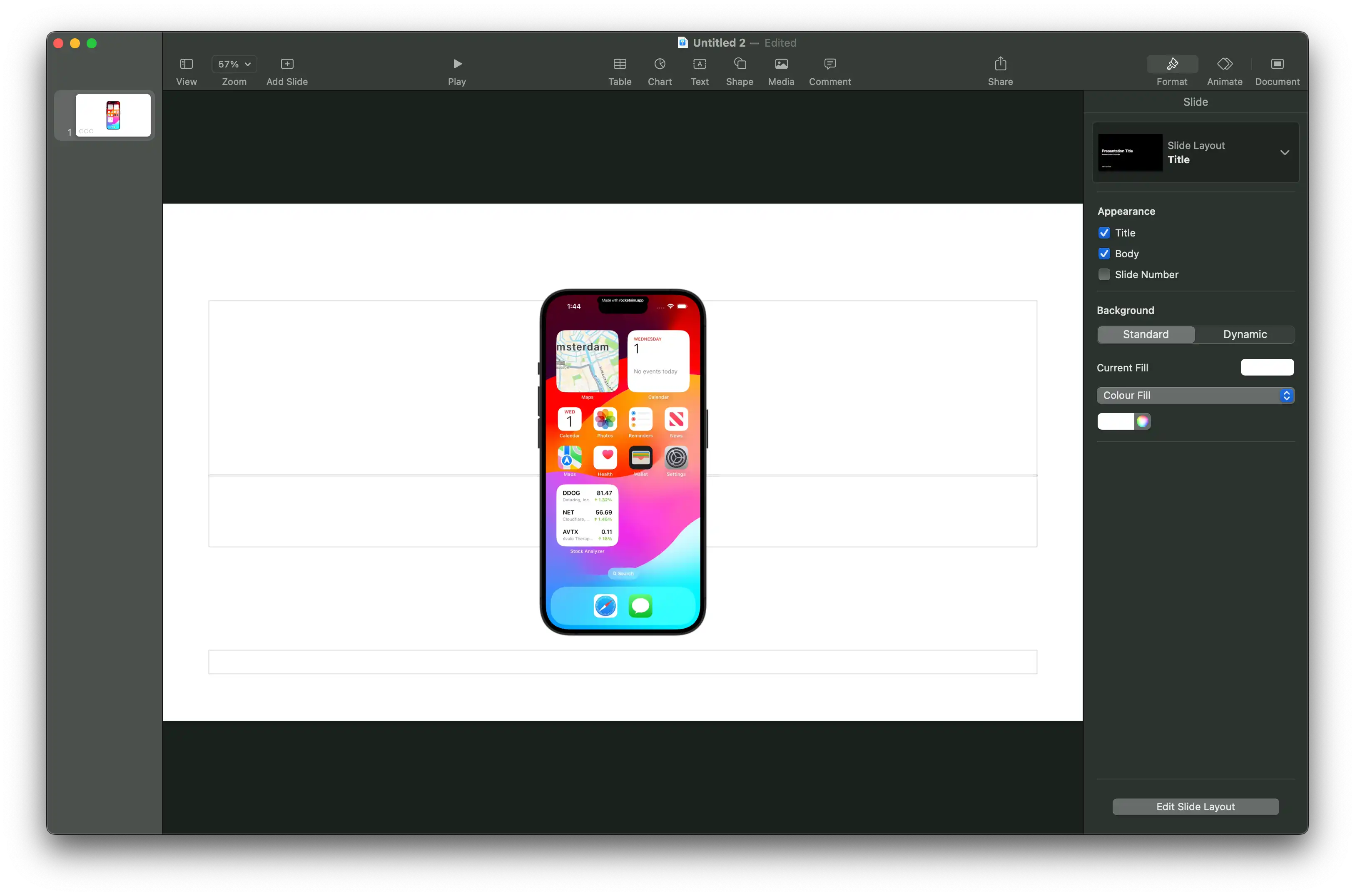
Professional recordings & screenshots
Capture and polish MP4, GIF, or PNG output for demos, reviews, social posts, and App Store submissions.
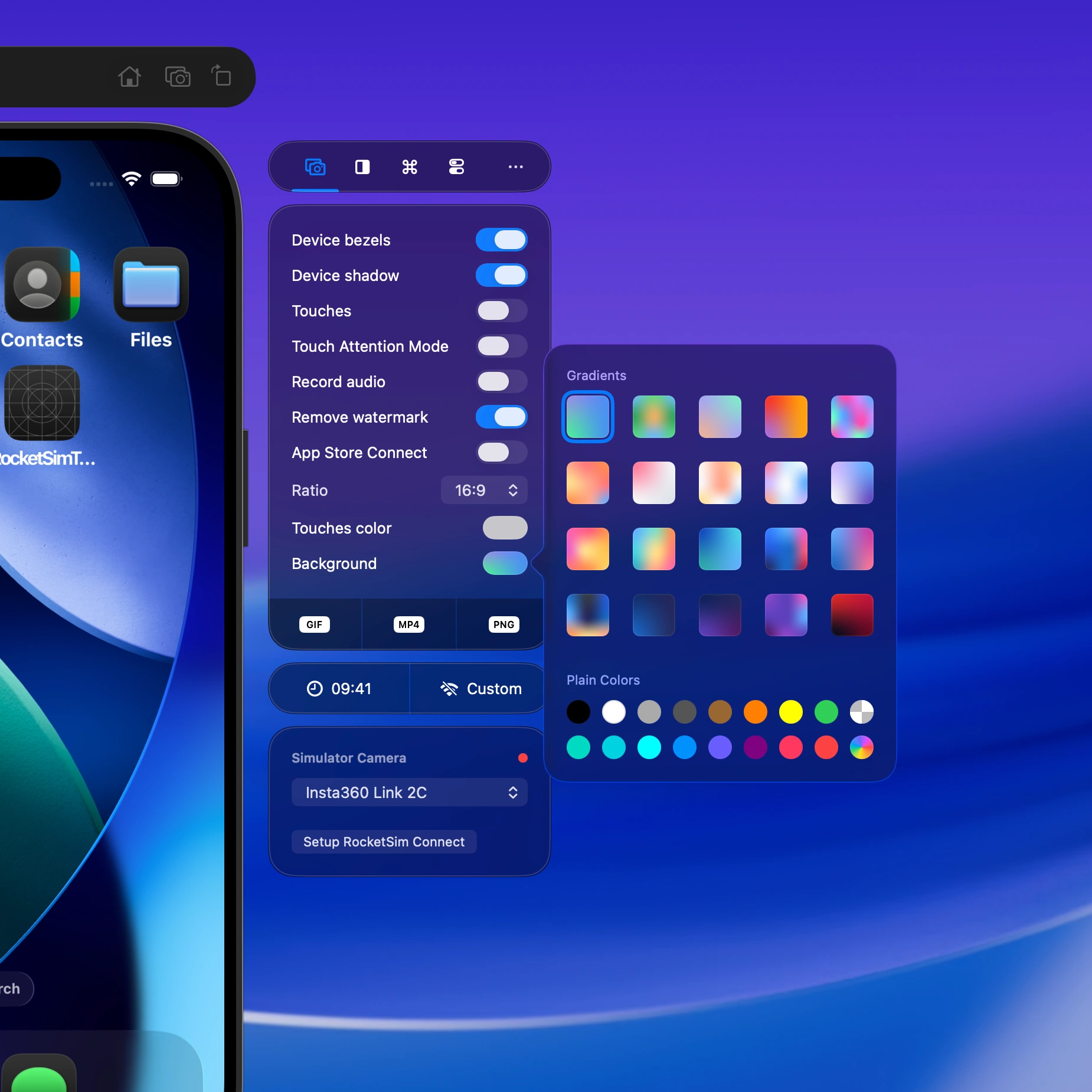
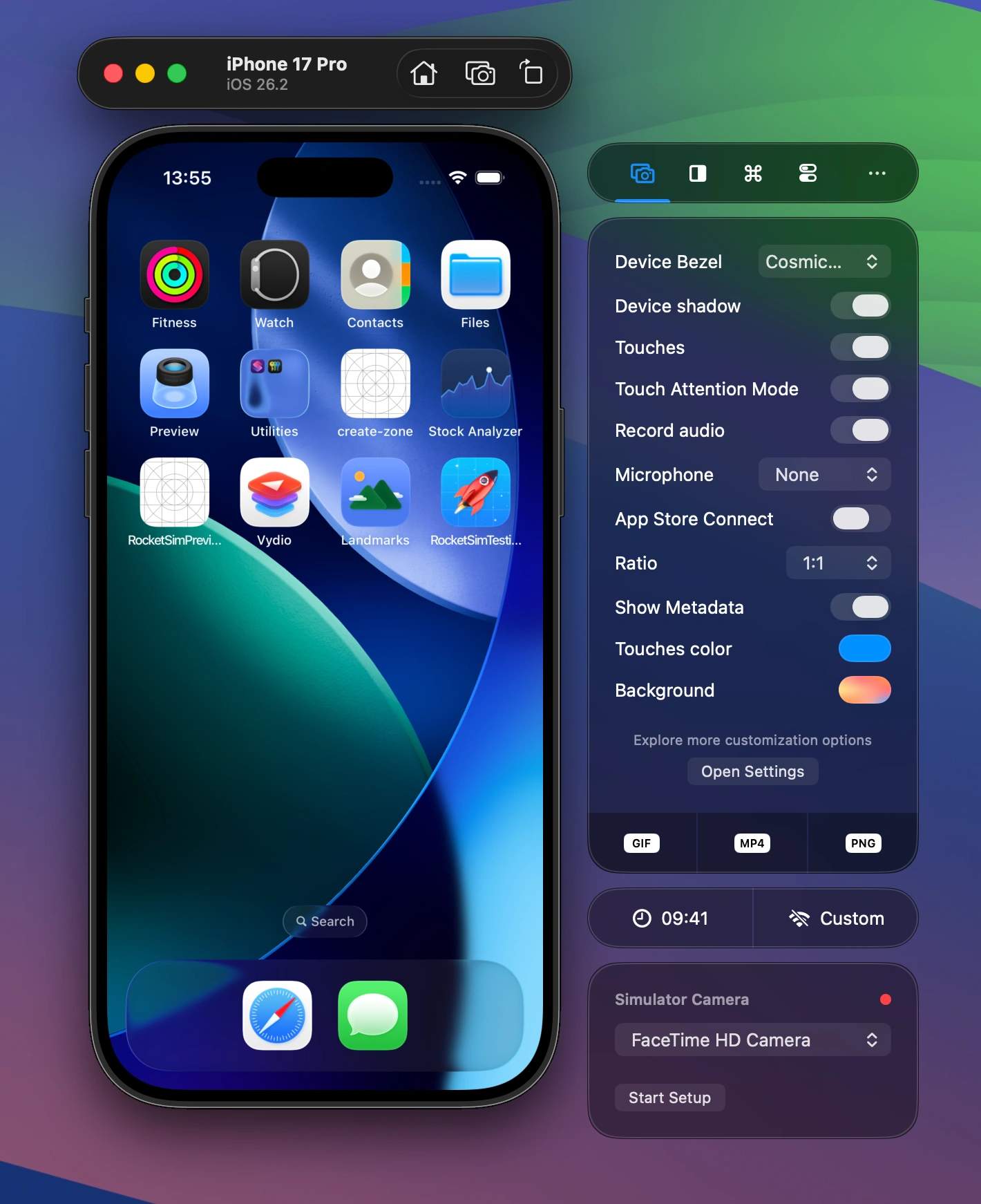
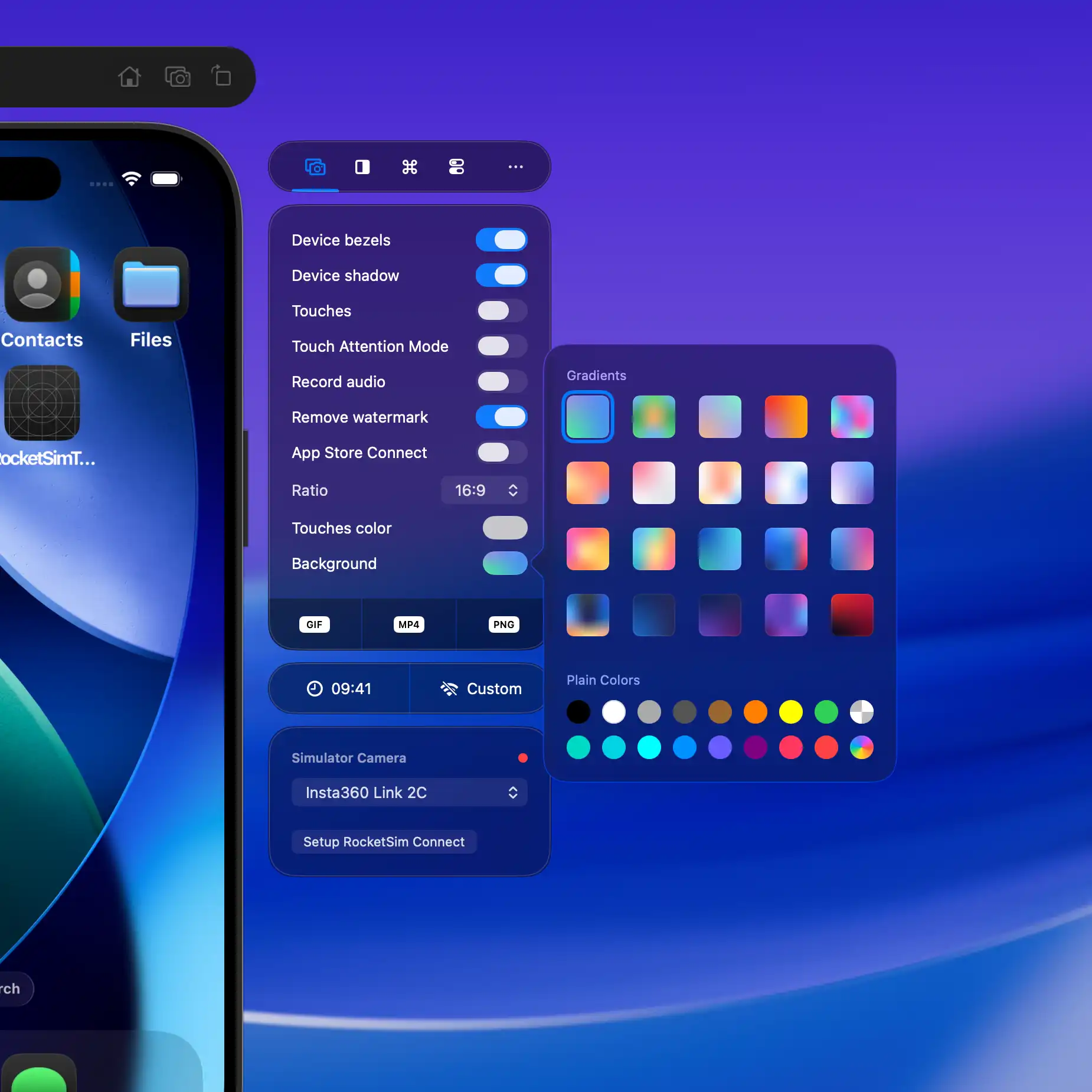
- Add device bezels, custom backgrounds, and ratios like 16:9 for polished marketing assets
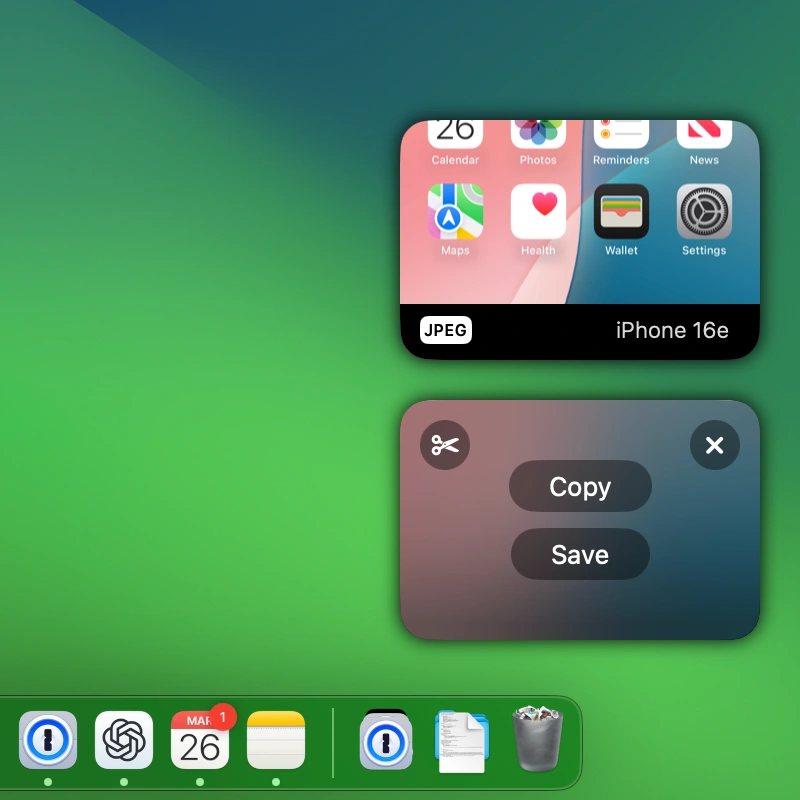
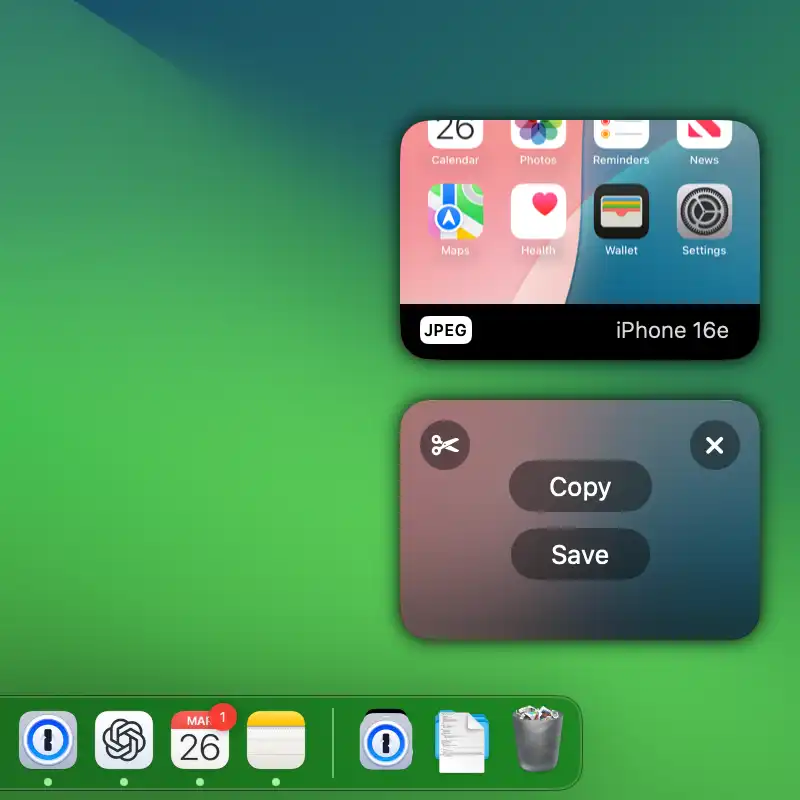
- Fine-tune screenshots and videos afterwards with the built-in Post Editor
- Use Touch Attention Mode and multi-touch indicators to make demos easier to follow
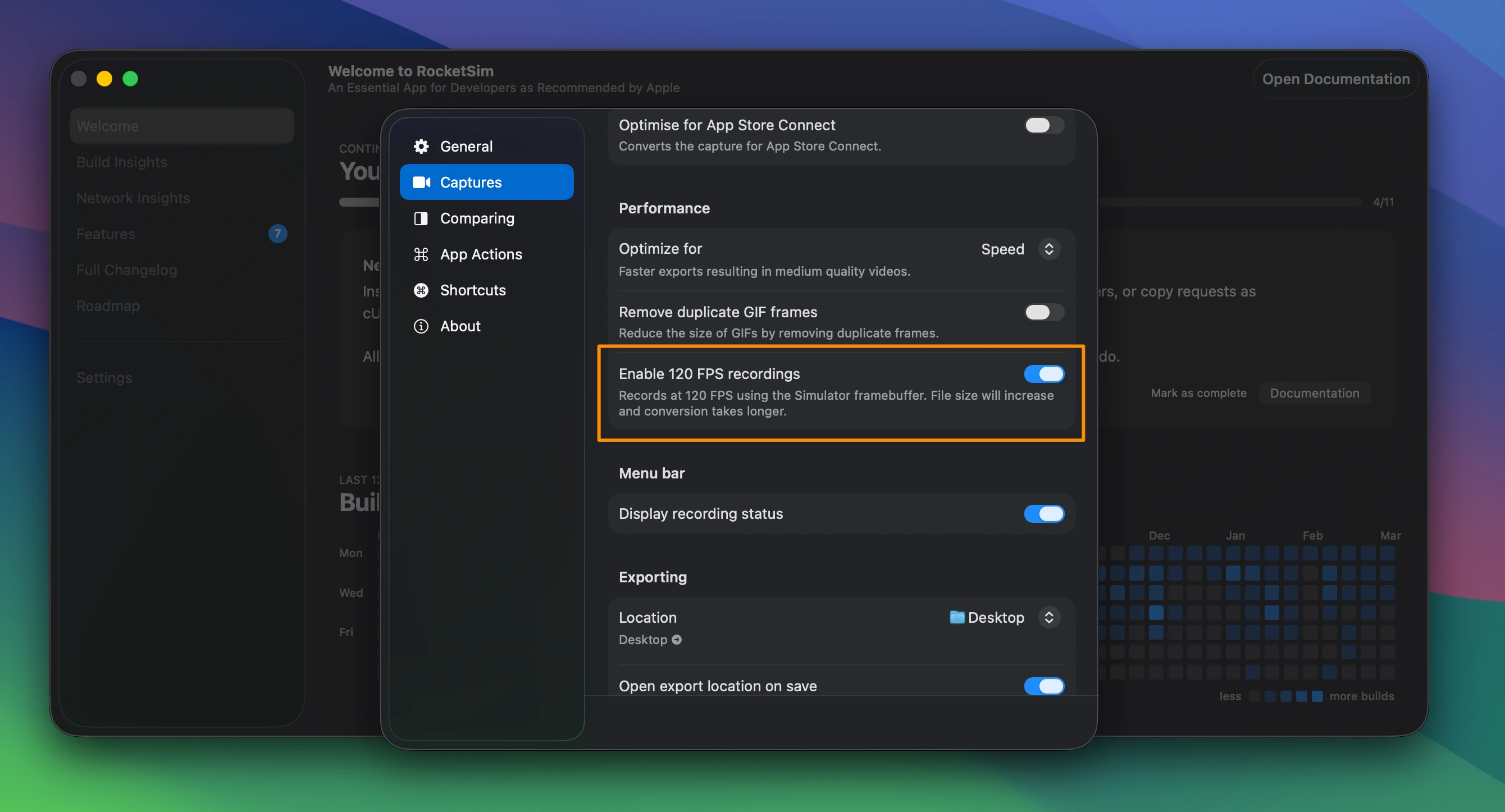
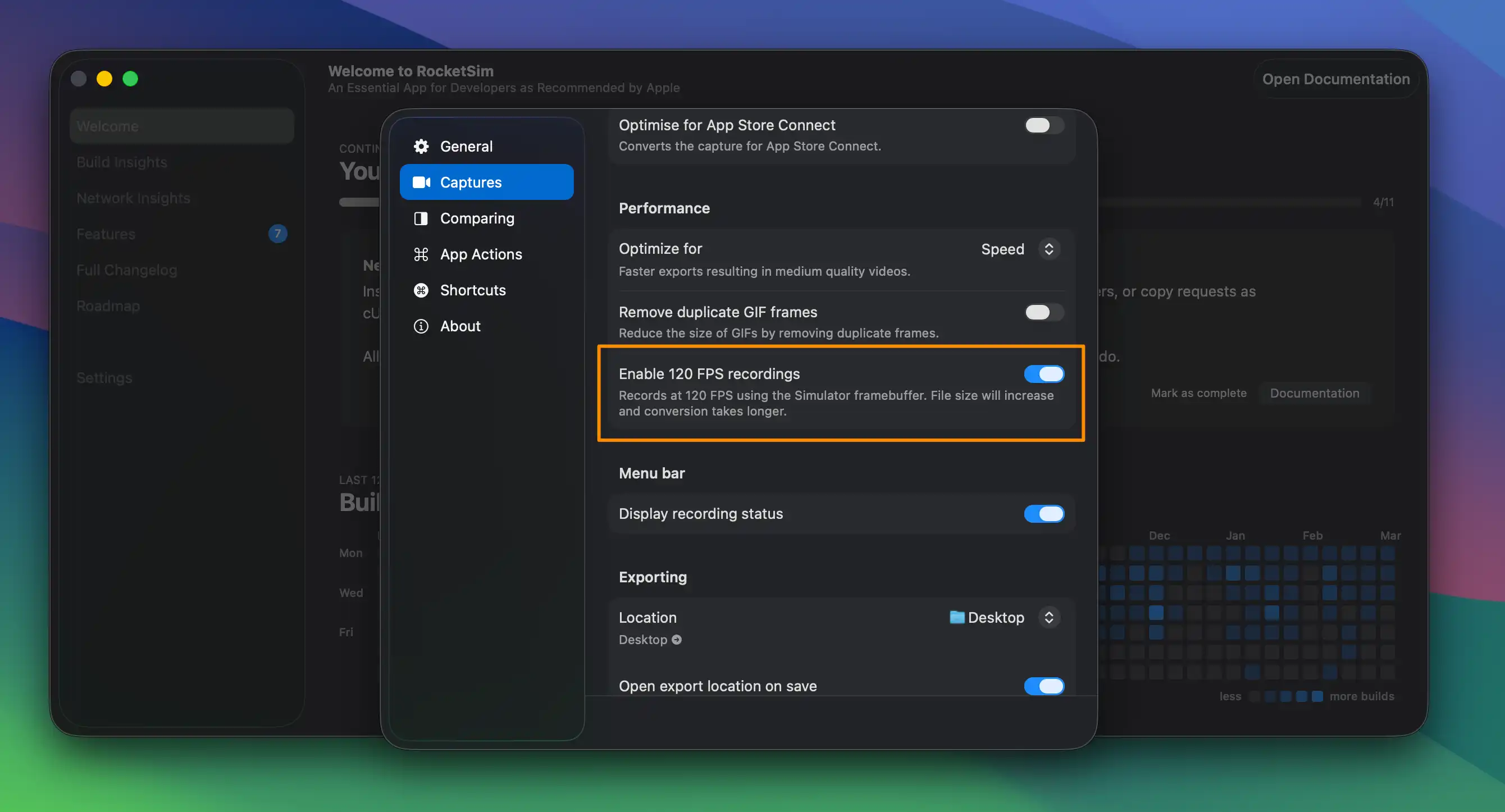
- Record smooth Simulator videos, including 120 FPS output for scrolling, animations, and transitions
- Capture audio and connected physical-device footage when you need real-device output
- Optimize for App Store Connect App Previews without manually fighting FFmpeg or export specs