App Actions

Configurable actions to boost your development speed, test dynamic deeplinks, and clear app state faster

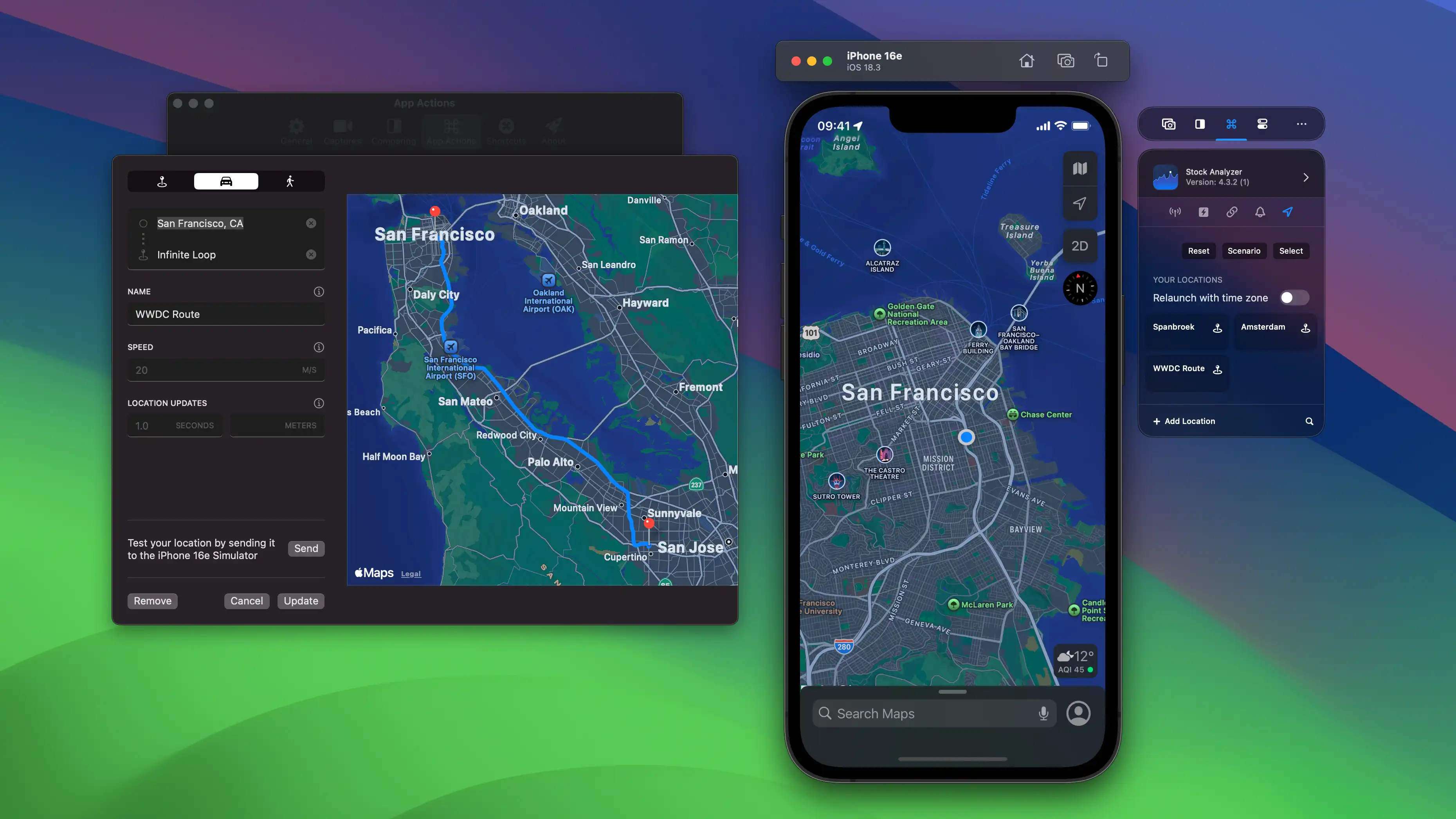
Location Simulation

Single locations or automobile and walking routes, tested right in the Simulator.

Location Simulation
Quick Actions

Quick Actions

Configurable actions for Deeplinks, Push Notifications, locations, and runtime deeplink arguments.

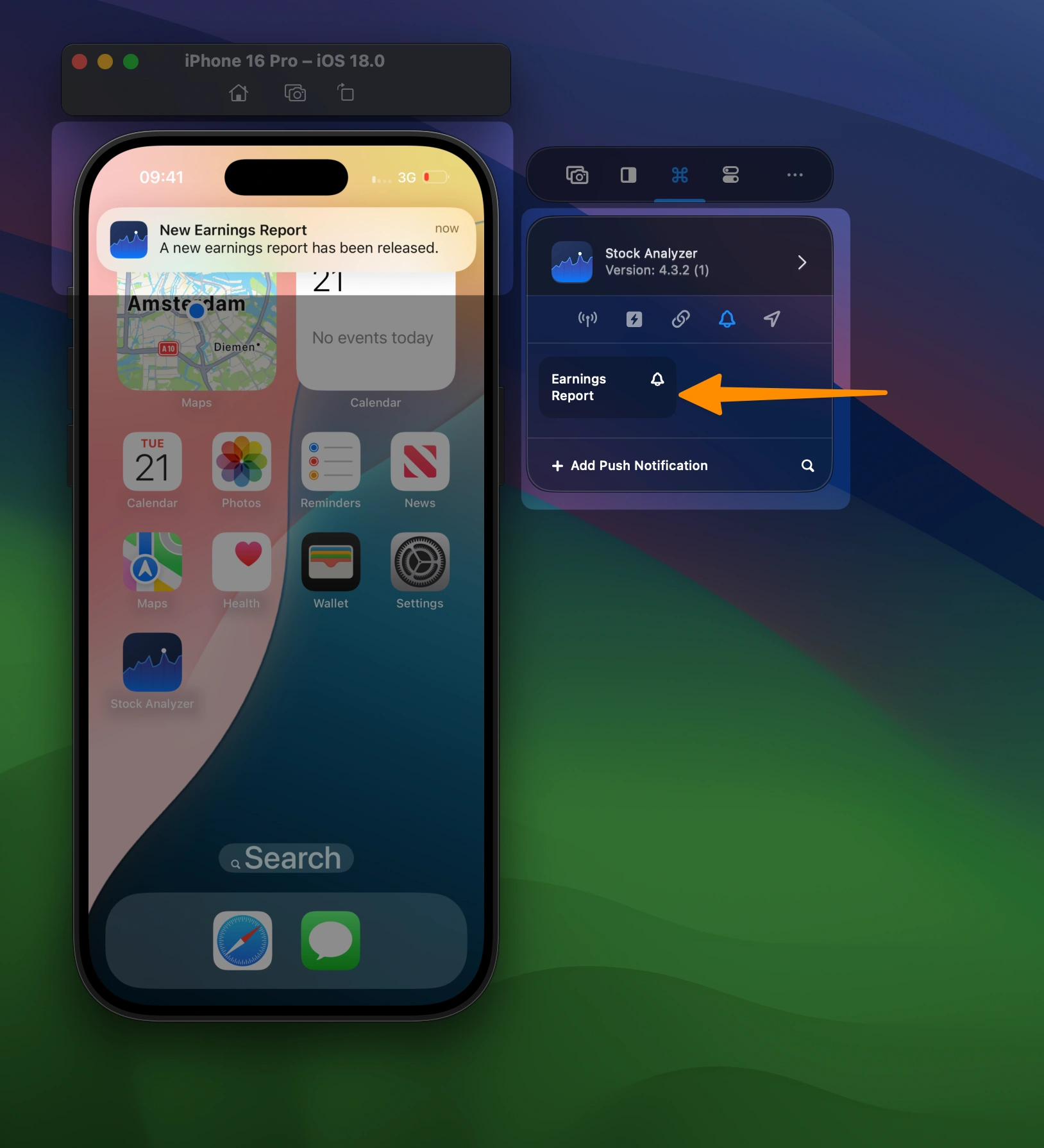
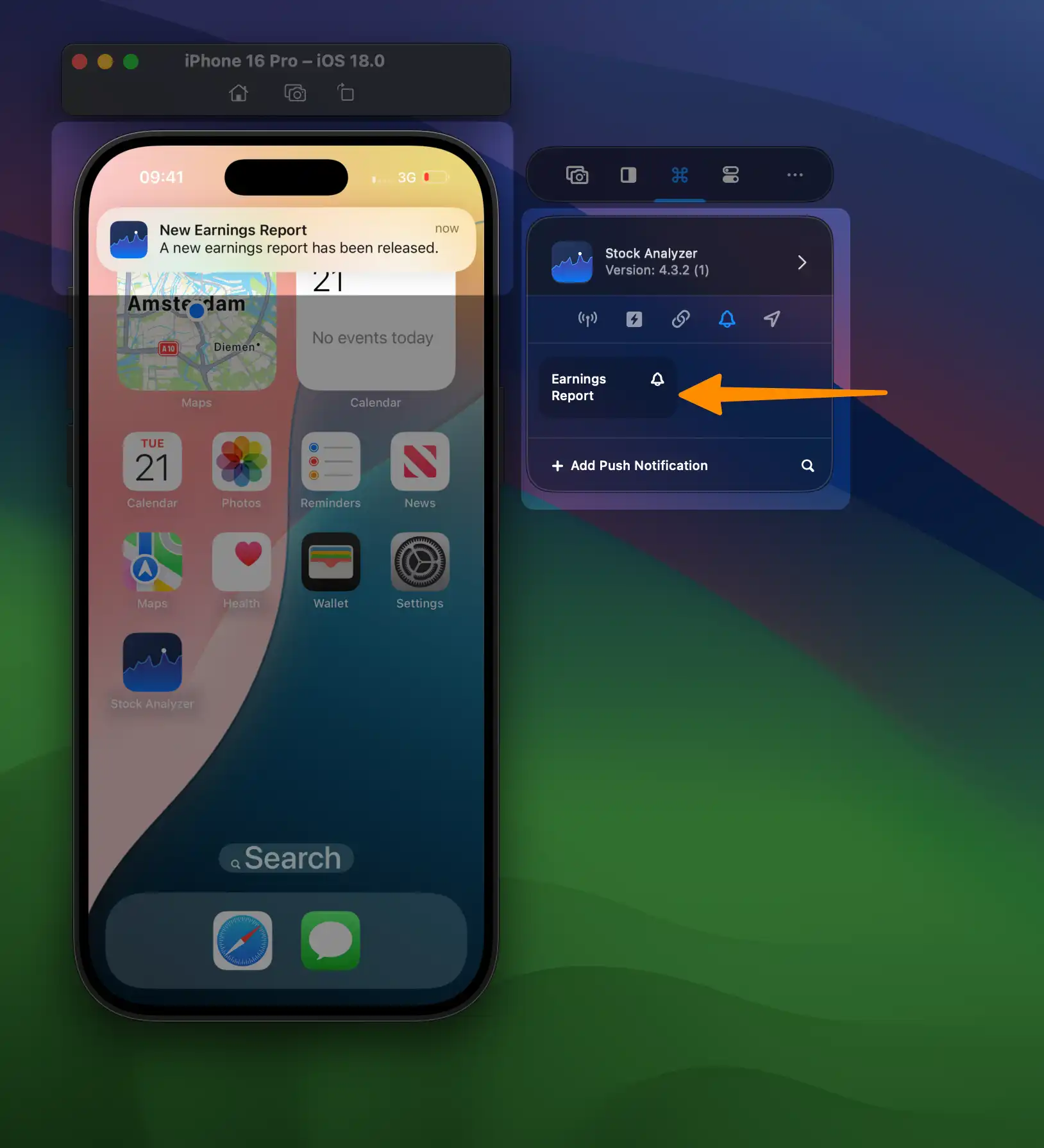
Push Notifications

Send test push notifications to your Simulator app without a server.

Push Notifications

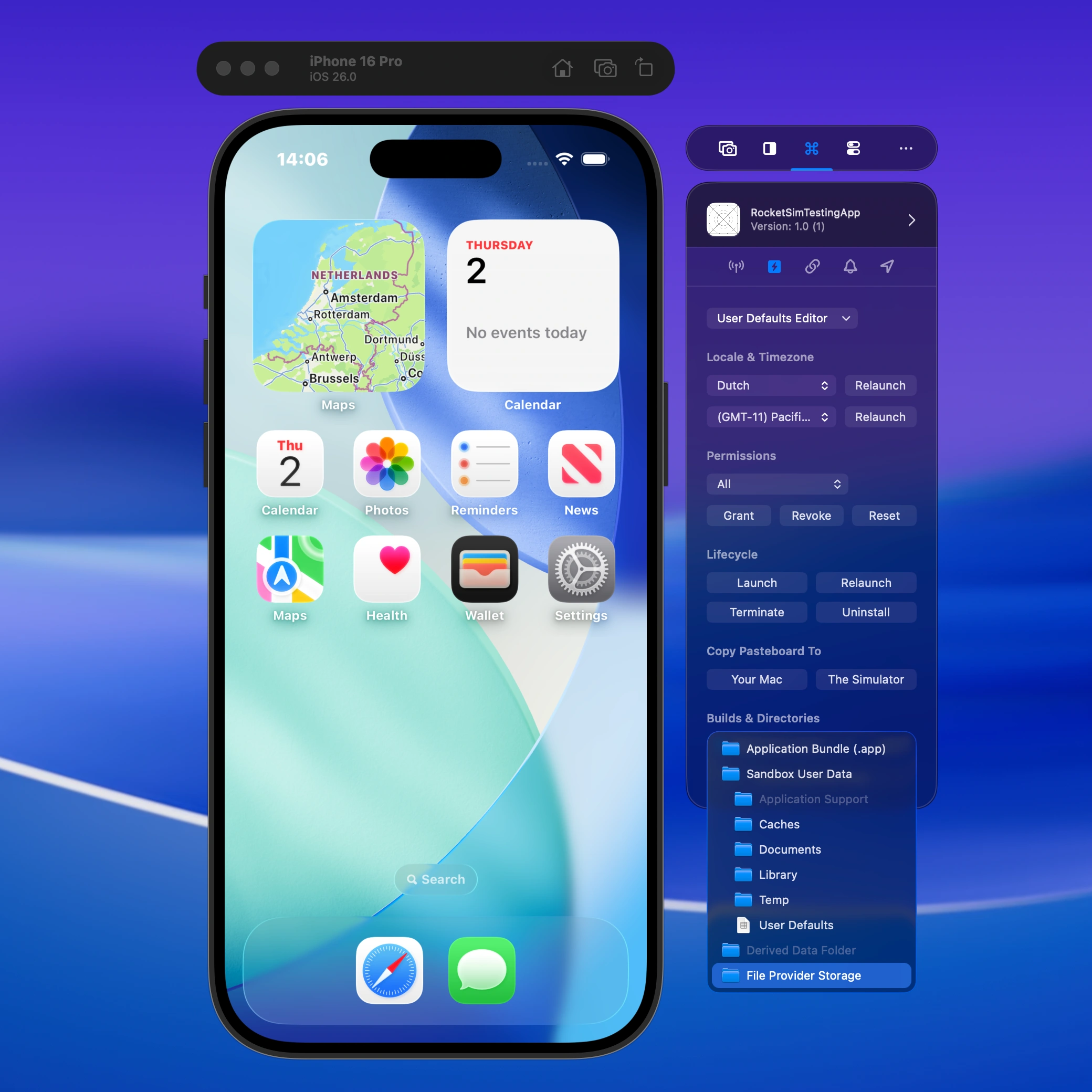
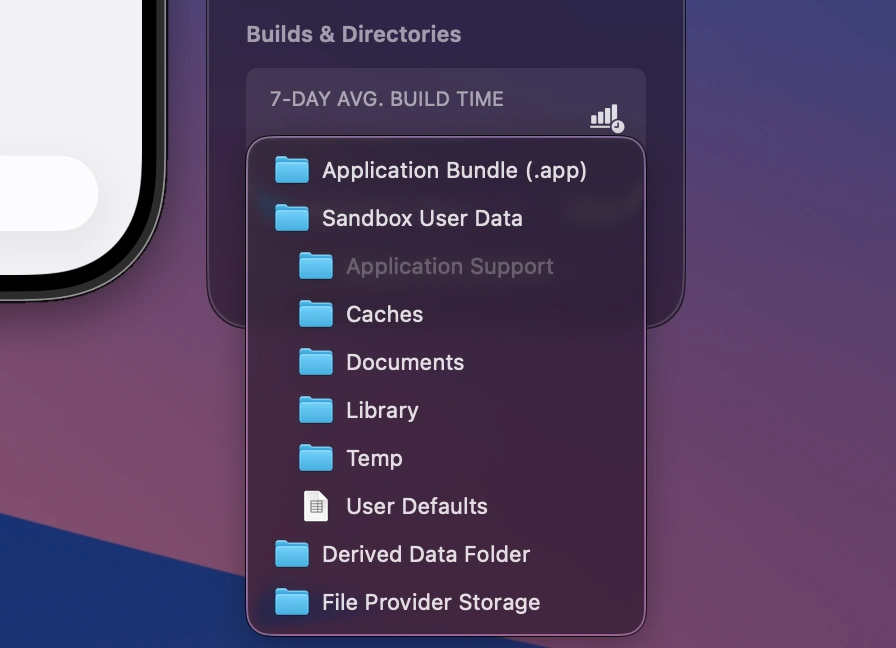
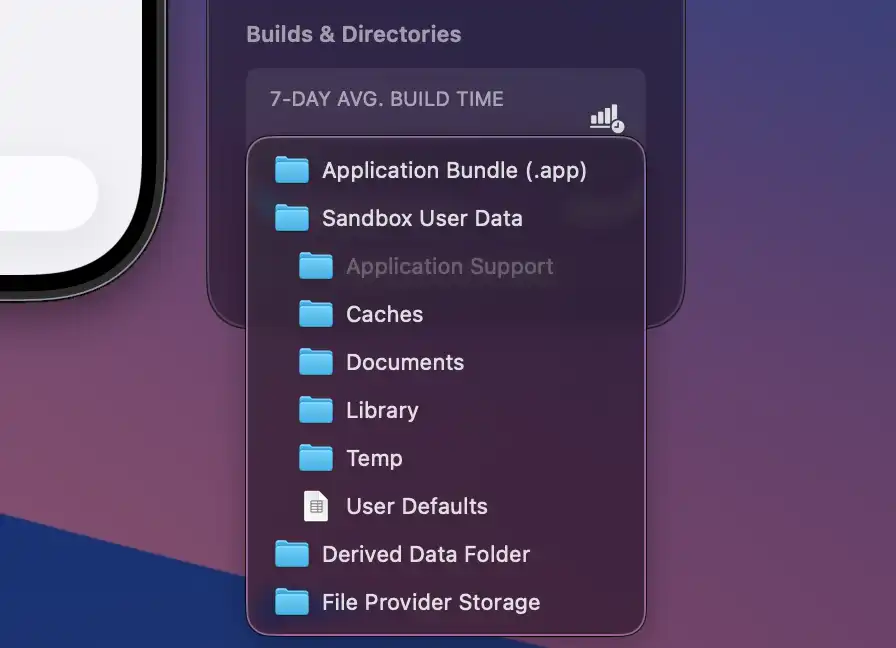
App Directory Access

One-click access to your app's sandbox, documents, caches, and derived data directories.

App Directory Access

Explore all App Actions features

Quick Actions

Configurable actions for deep links, push notifications, locations, permissions, app lifecycle, and quick state resets.

  • Bundle Identifier based: actions automatically show up for recent builds
  • Test locations and deep links on Simulator or a physical iOS device
  • Launch, relaunch, localize, terminate, or uninstall physical-device builds
  • Use Reset Keychain to clear stubborn authentication state faster
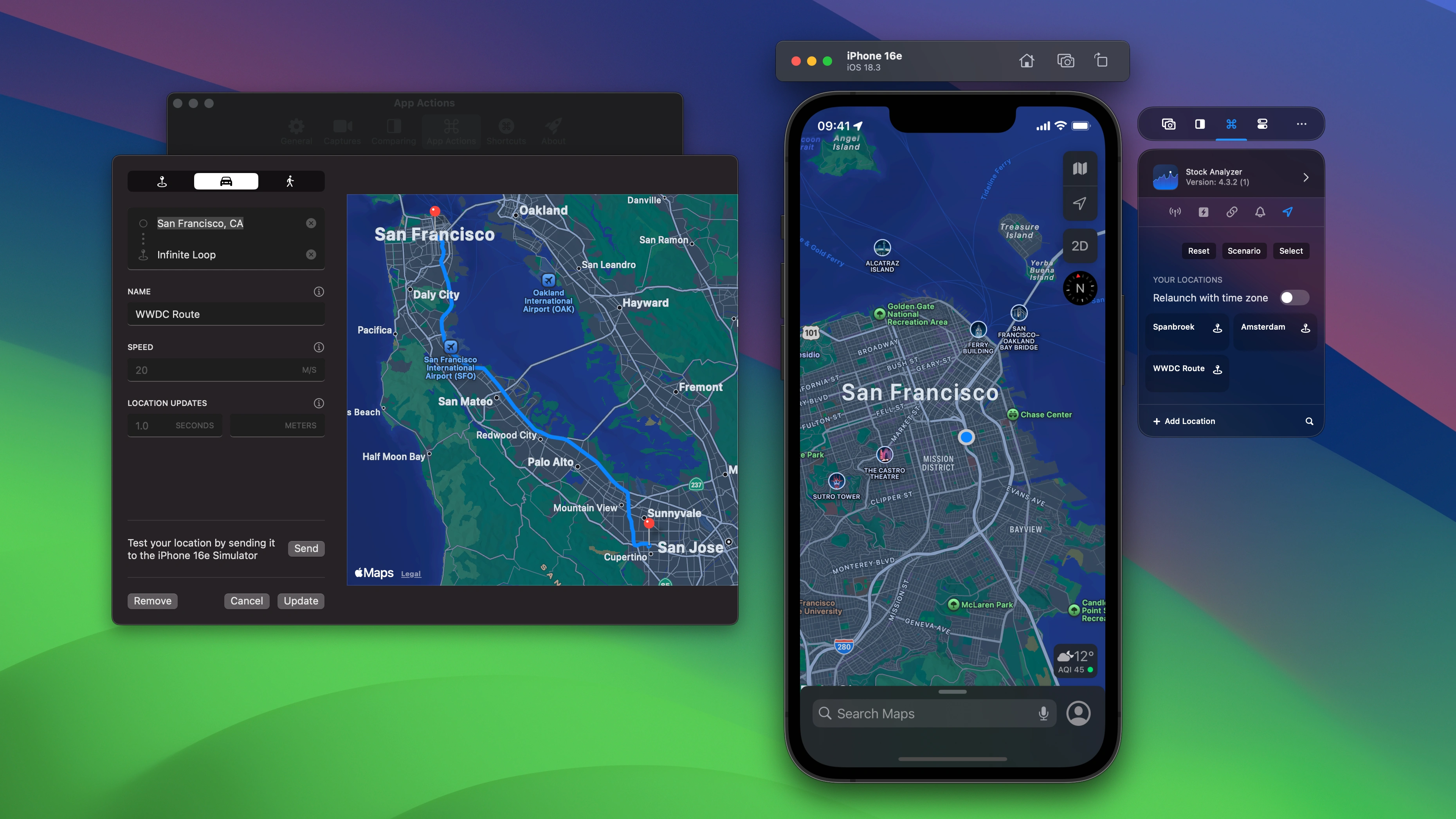
Location Simulation

Single locations or driving and walking routes—on Simulator or a physical iOS device

Boost your development speed by saving and reusing custom simulated locations. Test precise coordinates, road routes, direct off-road paths, or scenarios like walking a golf course in the Simulator and—with Xcode 27—on a physical iPhone or iPad.

Learn more

RocketSim location simulation with single coordinates, driving routes, and walking routes.

Recent builds

Quick actions for recent builds keep repeatable tests close to the active Simulator or connected physical iOS device. Actions follow the selected app’s bundle identifier and target capabilities.

  • Launch, relaunch, terminate, or uninstall apps on physical devices
  • Relaunch with locale to test supported languages without changing device settings
  • Open saved deep links and simulate locations on Xcode 27 devices
  • On Simulator, travel the world and relaunch with any time zone
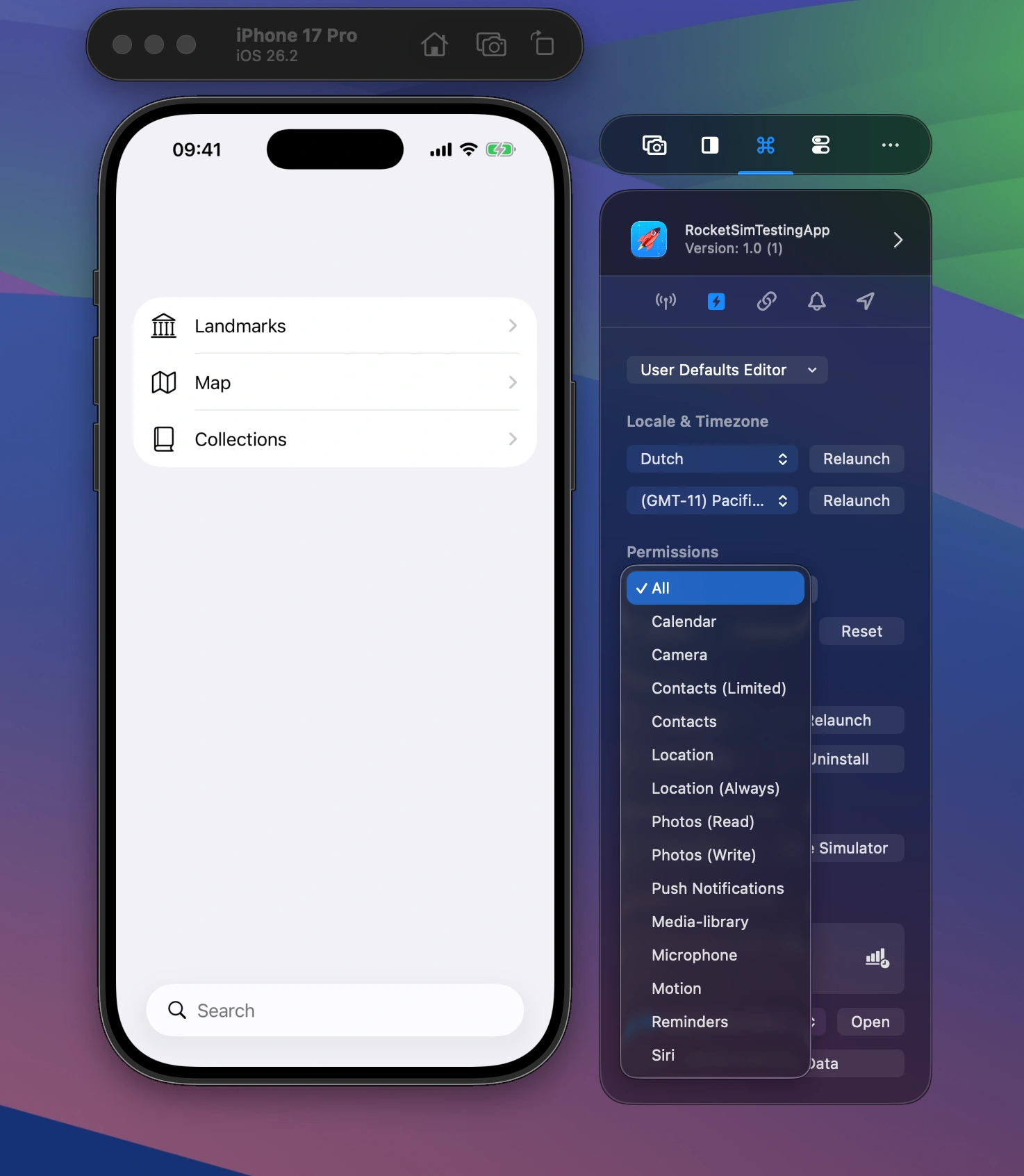
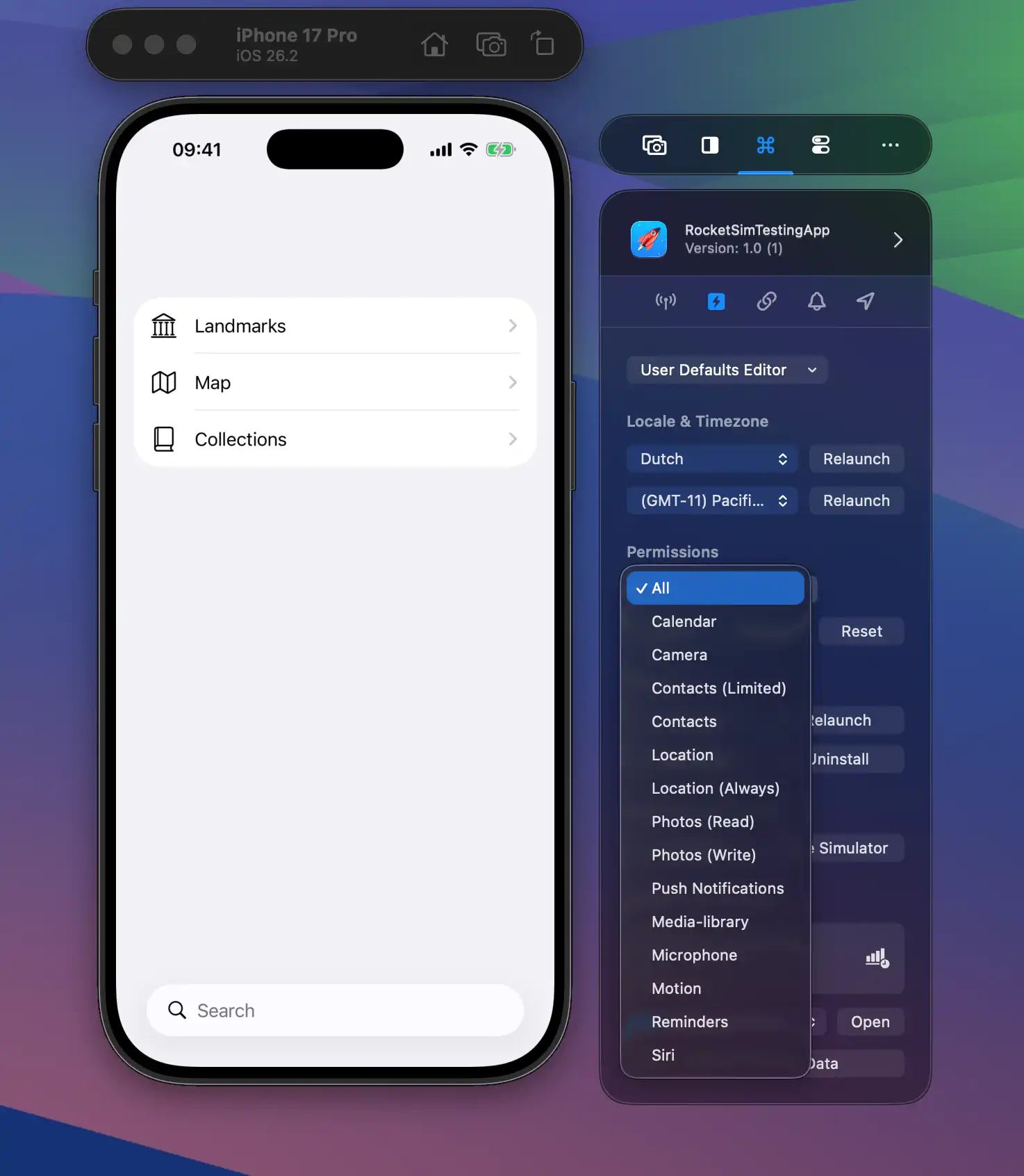
  • Grant, revoke, or reset permissions like photo and location access, allowing you to quicker test related implementations
  • Open common directories like your app’s documents folder.

Watch demo

Quick actions for your recent builds help you increase productivity. These action execute on a given target bundle identifier configured in RocketSim's settings.

Push Notifications

Test push notifications on the Simulator without a physical device. Create JSON payloads, send test notifications, and debug notification handling.

Test push notifications on the Simulator without a physical device.

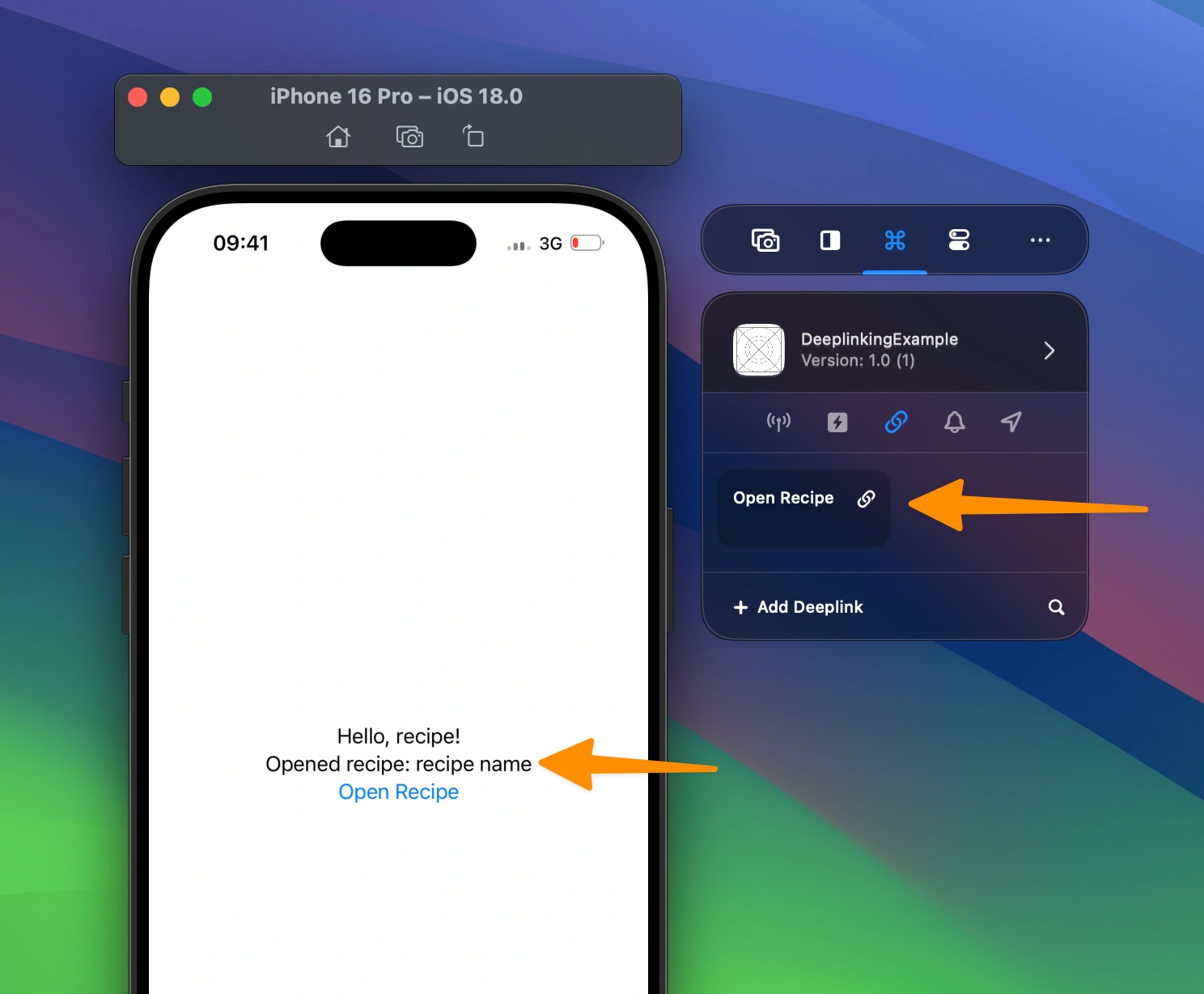
Deeplinks & Universal Links

Test deep links and universal links directly from the side window. Save, organize, and trigger your app’s URL schemes and associated domains, including reusable URLs with placeholders like {SYMBOL}.

Test deep links and universal links directly from the side window.

Privacy Permissions

Grant, revoke, or reset permissions like camera, location, contacts, photos, and more — without reinstalling your app.

  • 15 supported permission types including push notifications
  • Reset to “not determined” state so the system dialog appears again
Grant, revoke, or reset permissions like camera, location, contacts, photos, and more without reinstalling your app.

App Directory Access

One-click access to your app’s sandbox, documents, caches, derived data, and app group directories. No more digging through CoreSimulator paths.

One-click access to your app's sandbox, documents, caches, derived data, and app group directories.

Ready to Build Apps Faster?

Boost your productivity and streamline your workflow with our powerful Xcode Simulator tools. Developers report building, testing, and verifying apps up to 2x faster with RocketSim.