Design Comparison

Pixel-perfect implementations, verified right in the Simulator

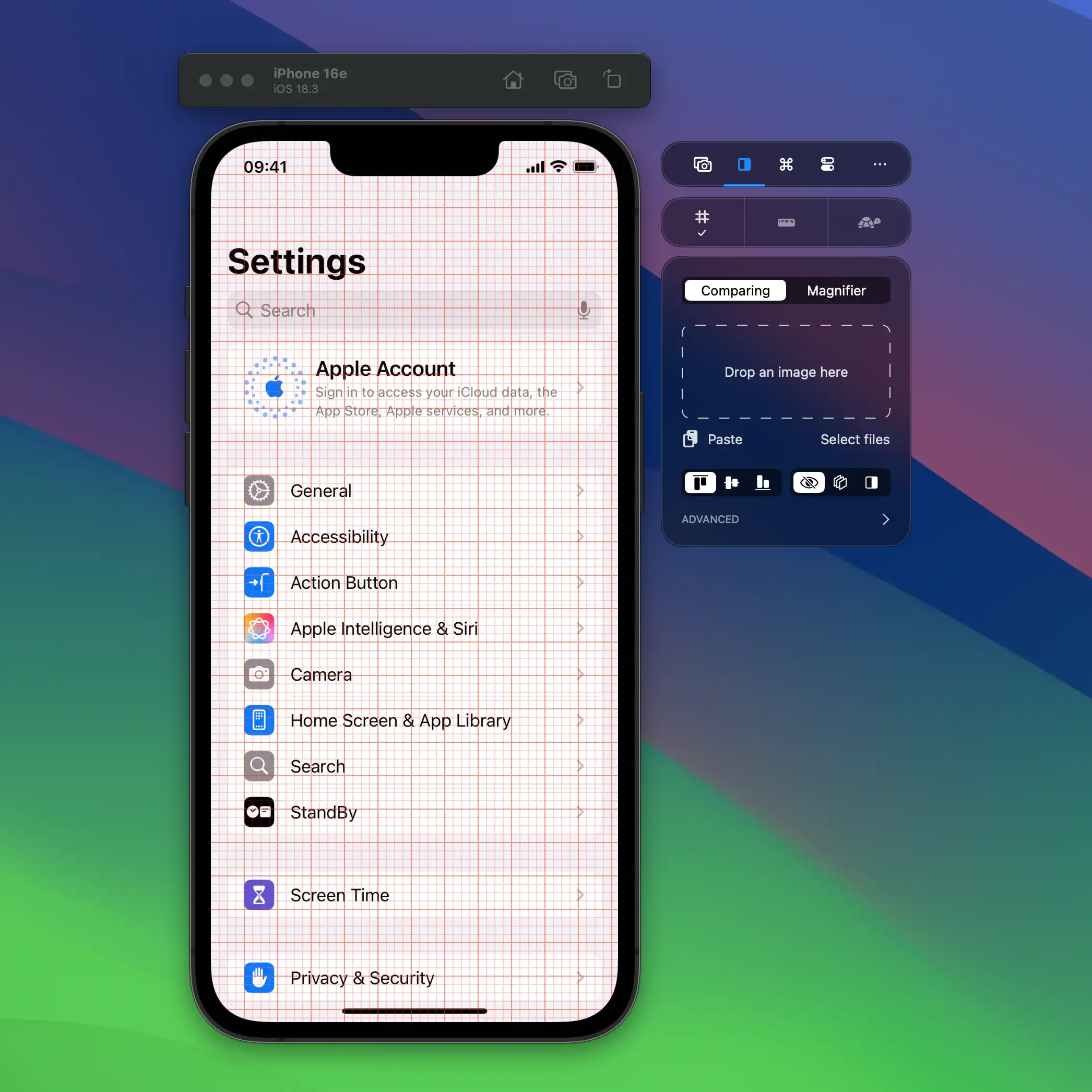
Grids & Rulers

Perfectly align elements with grid overlays and precise rulers.

Grids & Rulers
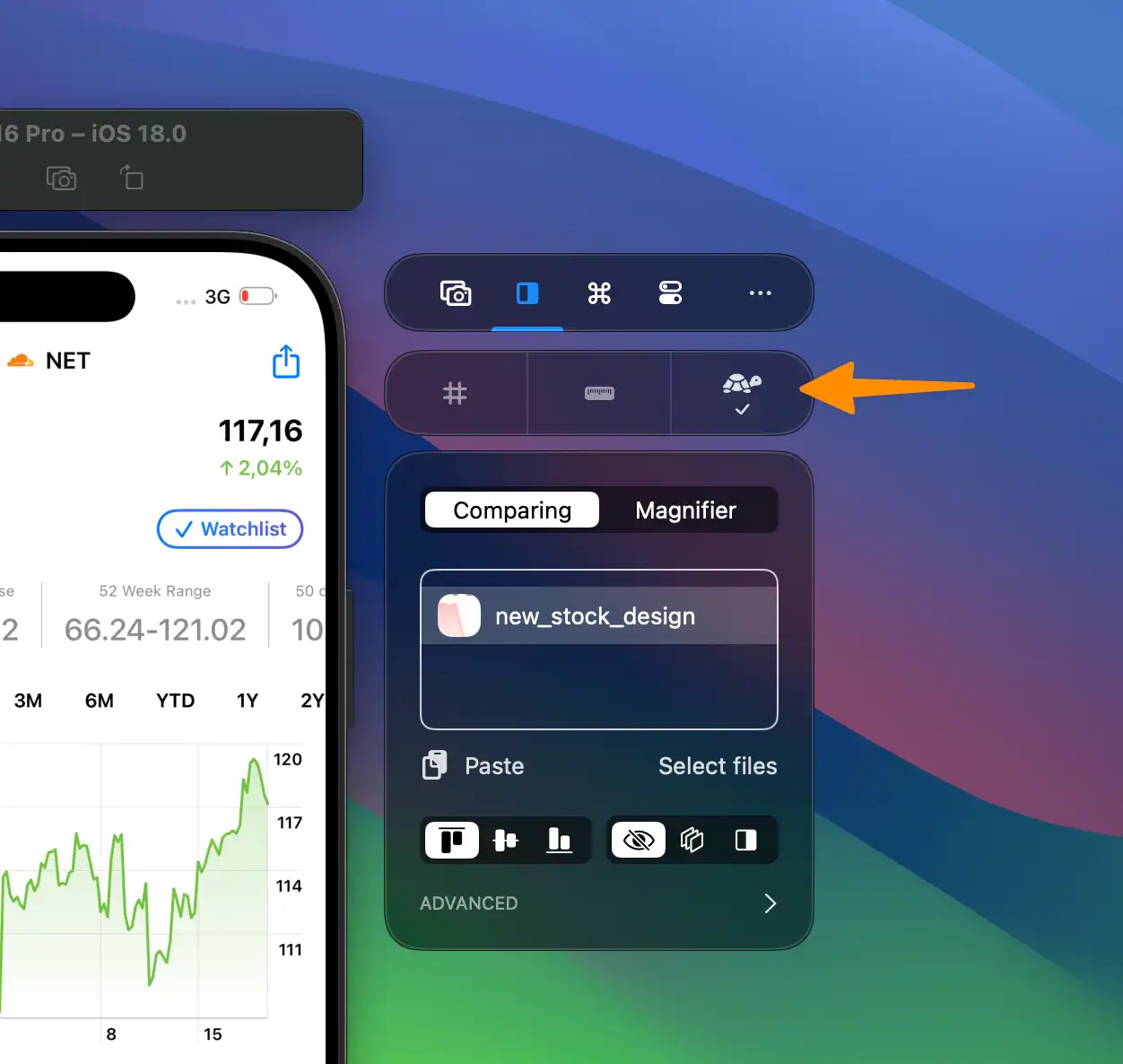
Slow Animations

Slow Animations

Slow down animations to optimize them for perfection.

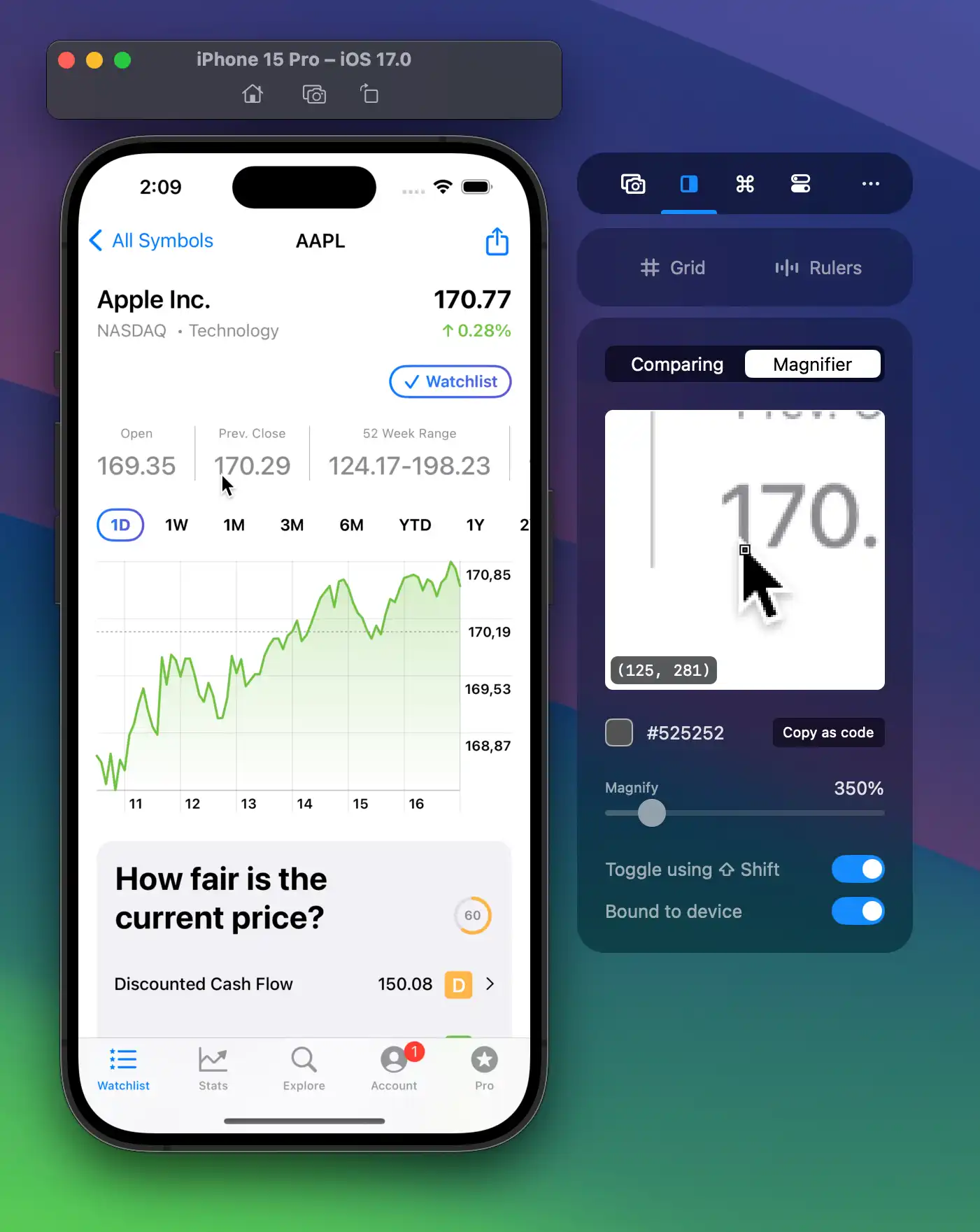
Magnify for Precision

Hold Shift and move mouse to magnify. Pick colors as SwiftUI, NSColor, or UIColor.

Magnify for Precision

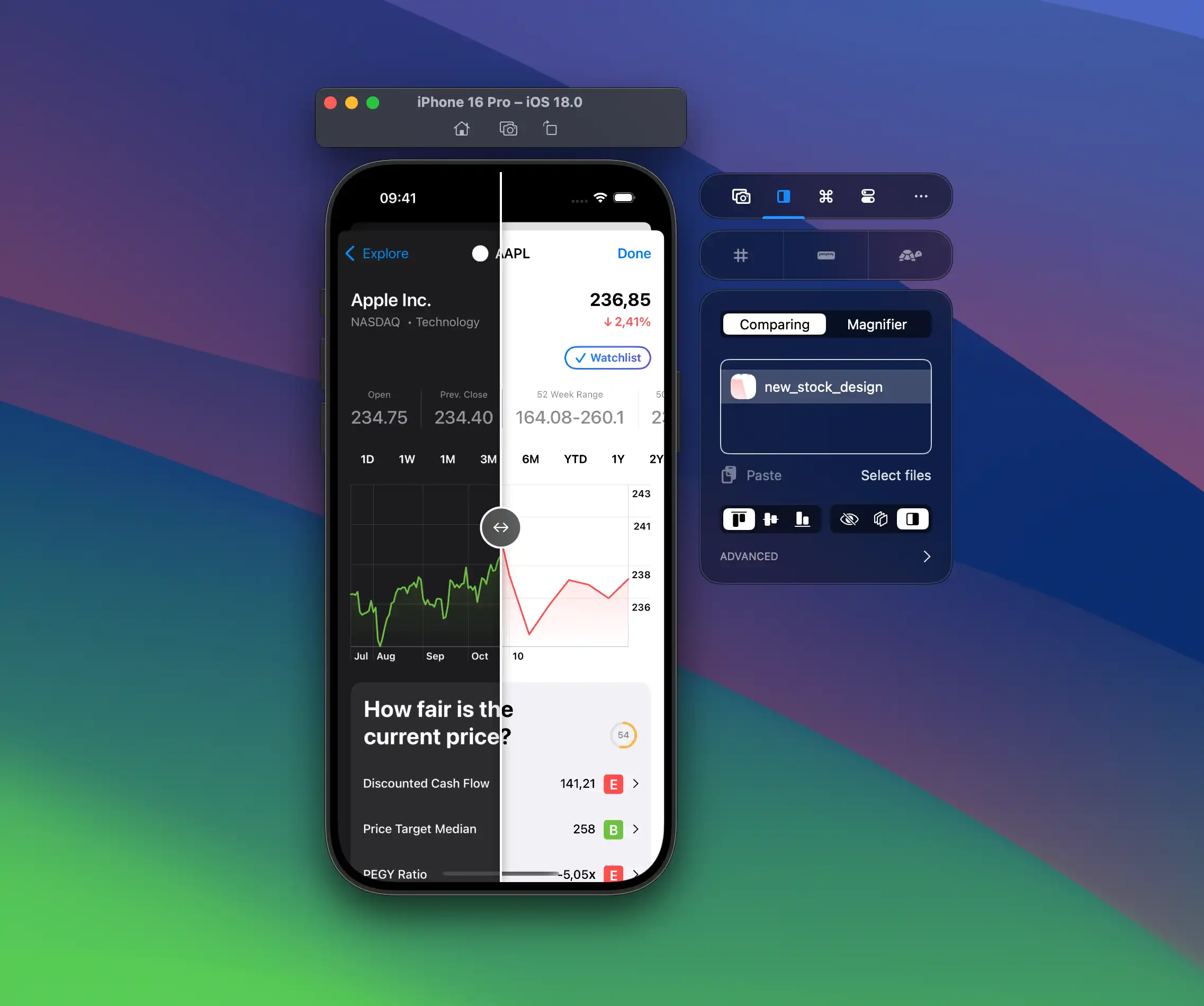
Compare Designs

Use overlays or slide comparisons to spot differences between implementation and design.

Compare Designs

Explore all Design Comparison features

Compare designs

Use overlays or slide comparisons to spot differences between the implementation and the design.

Pixel-perfect implementations of delivered designs. Add your designs in the compare tool and verify your implementation, right in the Simulator.
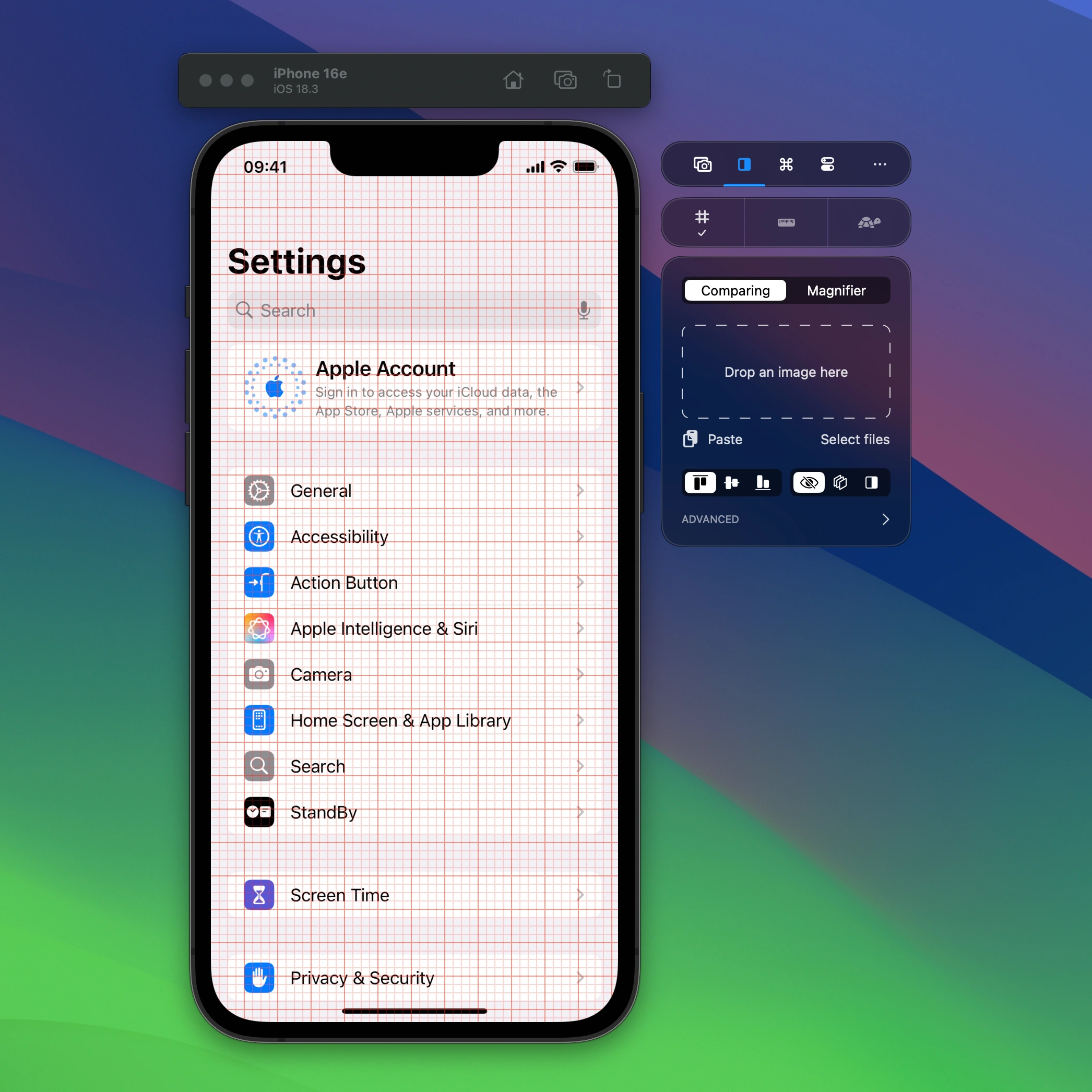
Grids

Use the grid overlay to perfectly align elements across the screen. Change the color and spacing to match your needs.

Use the grid overlay to perfectly align elements across the screen. Change the color and spacing to match your needs.

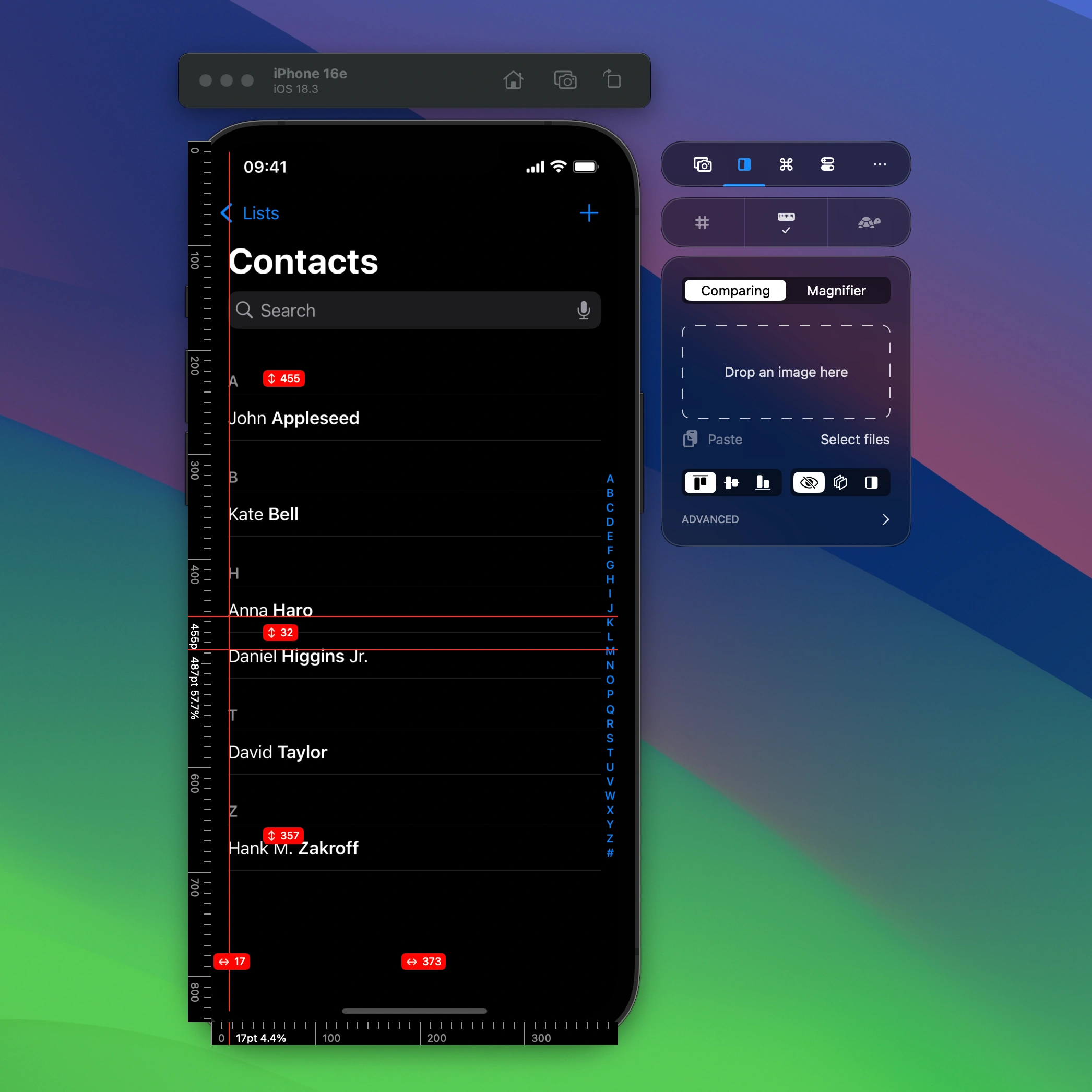
Rulers

Horizontal and vertical rulers give you precise control. Coordinates are shown in on-device pixels so you know exactly where elements are placed. Hold ⇧ Shift to show distances between the rulers.

Horizontal and vertical rulers give you precise control. Coordinates are shown in on-device pixels so you know exactly where elements are placed.

Slow Animations

Enable slow animations to optimize your animations for perfection.

Magnify for precision

Hold ⇧ Shift and move mouse or scroll wheel to magnify

Use the Color Picker and copy the value as SwiftUI Color, NSColor, or UIColor code.

Ready to Build Apps Faster?

Boost your productivity and streamline your workflow with our powerful Xcode Simulator tools. Developers report building, testing, and verifying apps up to 2x faster with RocketSim.